Change what kind of machine this is.
Work › actions, identity. The menu is under the display name.
Open identity
Open the machine, then work › actions, and open identity. Spare laptop is a laptop. Windows that is not a server, and macOS, are filled in as a workstation. A Windows Server is a server. Proxmox and ESXi are hypervisors. VyOS, OpenWrt, RutOS, pfSense and OPNsense are network devices. Generic Linux stays not set until you pick one. A from OS chip on the header means the hub inferred the type. Saving a value keeps yours.
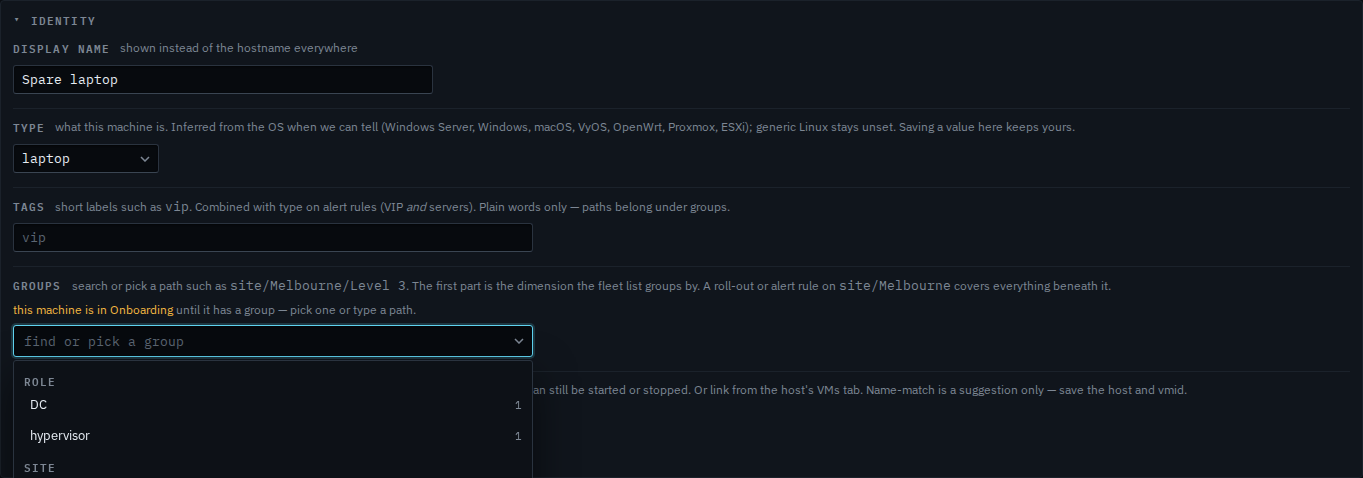
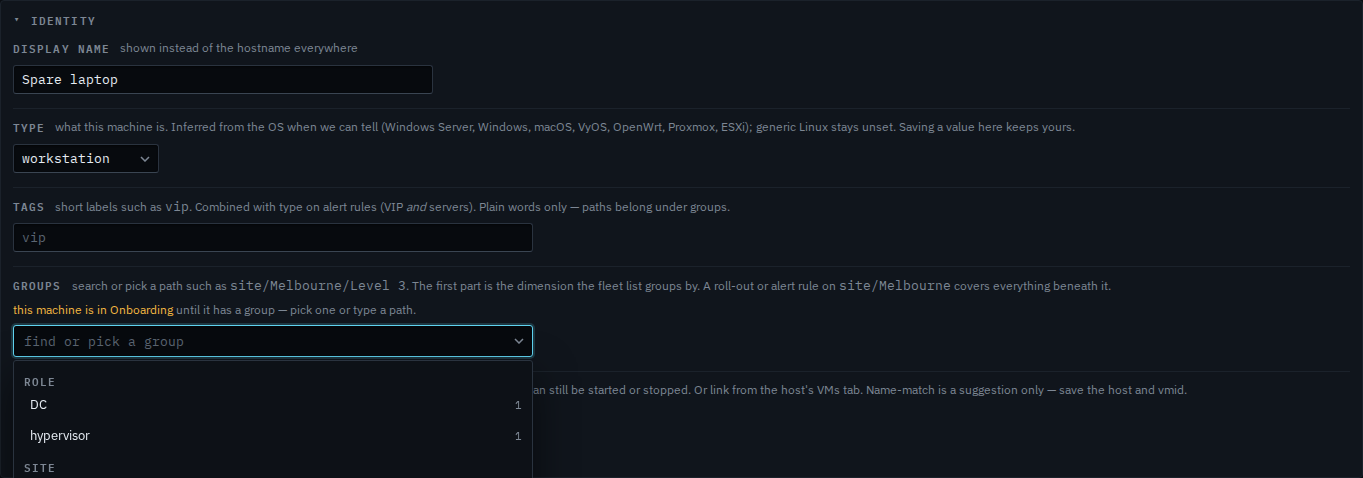
Pick workstation
Set the menu to workstation. The line under it still says currently laptop from OS, and the header still says laptop, because that is what is saved. The change sits in the form until you press save at the bottom of actions. This shot stops before that, so Spare laptop stays a laptop. A saved type is what an onboarding script, an alert rule, or a report matches. None ticked on those still means every type, including one that has not been set.
The rest of identity — the name and the groups — is Name a machine and put it in a group. A plain word such as vip is Mark a machine VIP. A rule that only covers servers is Limit an alert rule to servers. A report limited the same way is Limit a report to servers.