how-to · watch
Open this in the console
Delete an alert rule.
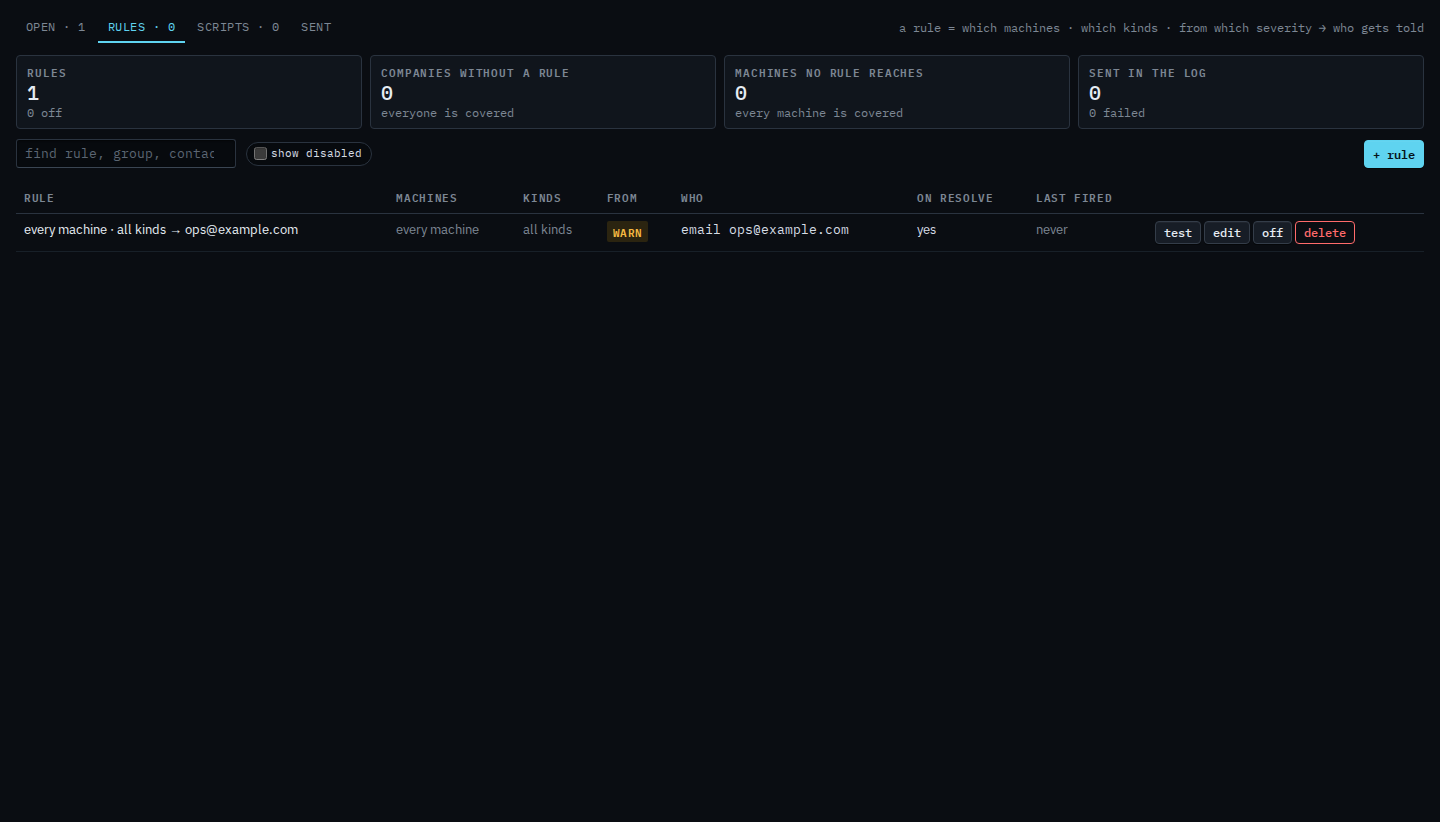
Alerts › rules. Delete is the red button on the row. Off keeps the rule. Delete does not.
After the second press the row is gone. Nobody is told by that rule. Open alerts on the machines are unchanged.
01
Open Alerts › rules
A rule has delete on the row, after test, edit and off. Example Co's rule covers every machine and tells ops@example.com. Off hides it until you show disabled. Delete removes it, and the first press only asks you to confirm.
02
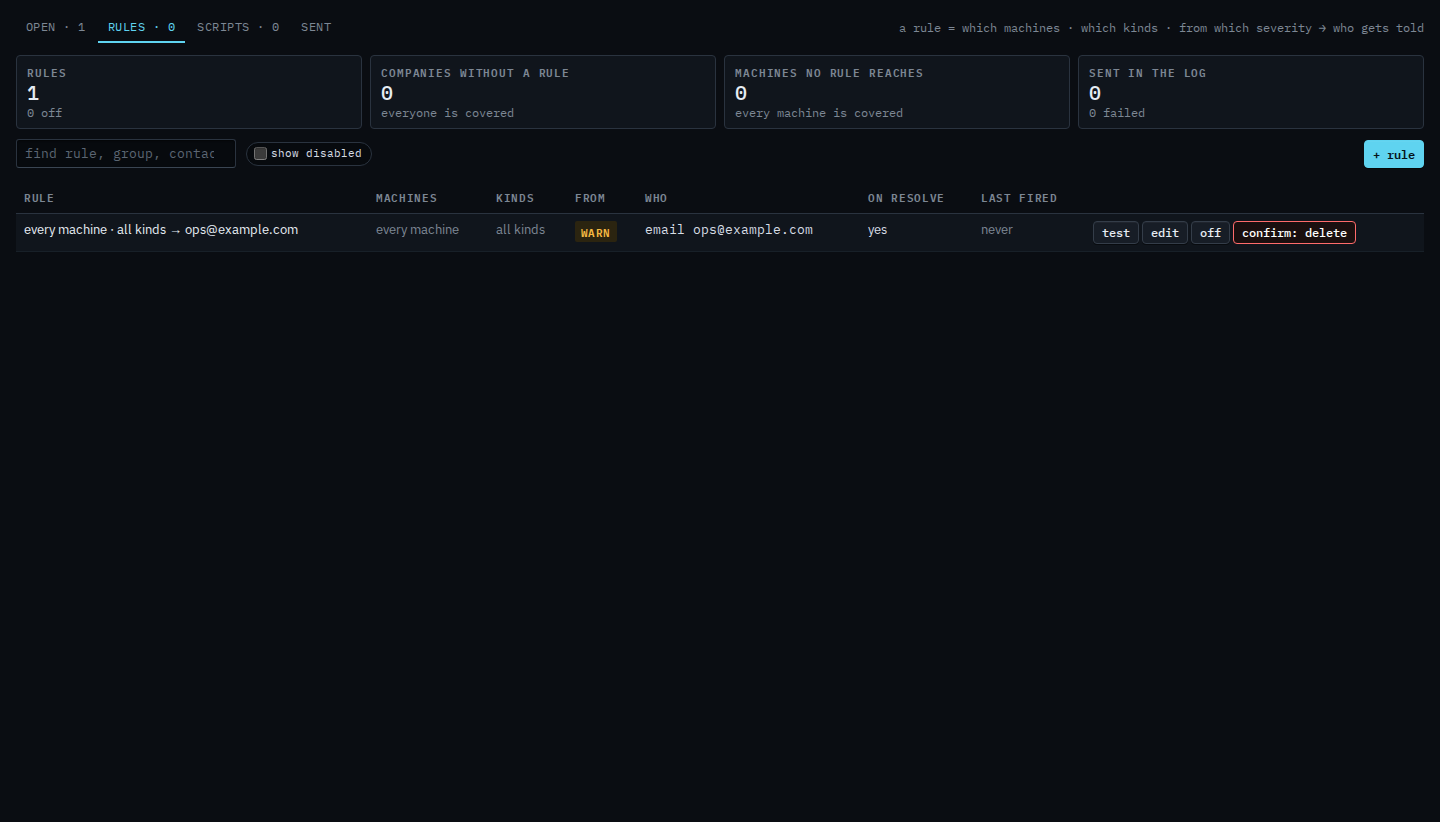
Press delete, then confirm
Press delete. The label turns into a confirm. Press it again to remove the rule. This shot stops on the confirm, so the rule is still there. After the second press the row is gone. Alerts that are already open stay open. Pressing off instead keeps the contact and the machines, and on puts the same rule back.
Turning it off without removing it is Turn an alert rule off. Creating one is Tell someone when a machine needs attention.