See what an alert sent.
A rule decides who should hear about an alert. This tab is what the hub actually tried to send, newest first.
Open Alerts › sent
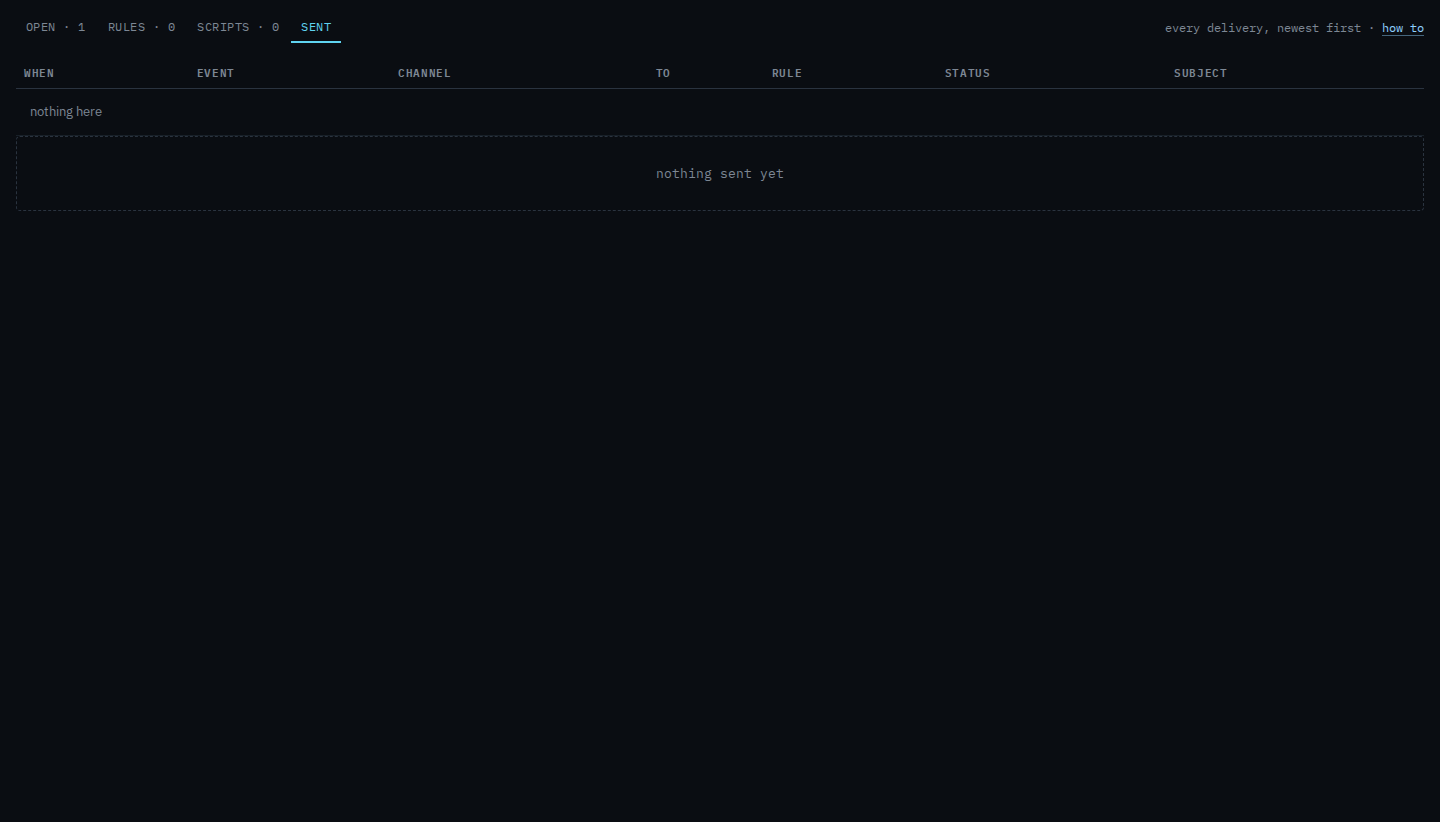
Each row is one attempt: when, the event, the channel, who it was addressed to, which rule, and the status. Example Co has no notification rule yet, so the disk warning on Accounts server has nobody to tell and this list is empty. After a rule exists, a real alert and the test button on that rule both land here.
Sent means it left. Failed is the receiver's answer, with the first part of that answer on the row. Skipped means that channel is not configured on the hub, so nothing was transmitted. Pressing test on a rule writes a row here before a real alert does. That is Send a test of an alert rule. Tell someone when a machine needs attention is how a contact gets onto a rule. Work an open alert is the Told column.