Fill a script blank from the machine.
Scripts › library. Edit the script and change the source on the variable row. Nobody is asked at run time.
The blank is asked when run
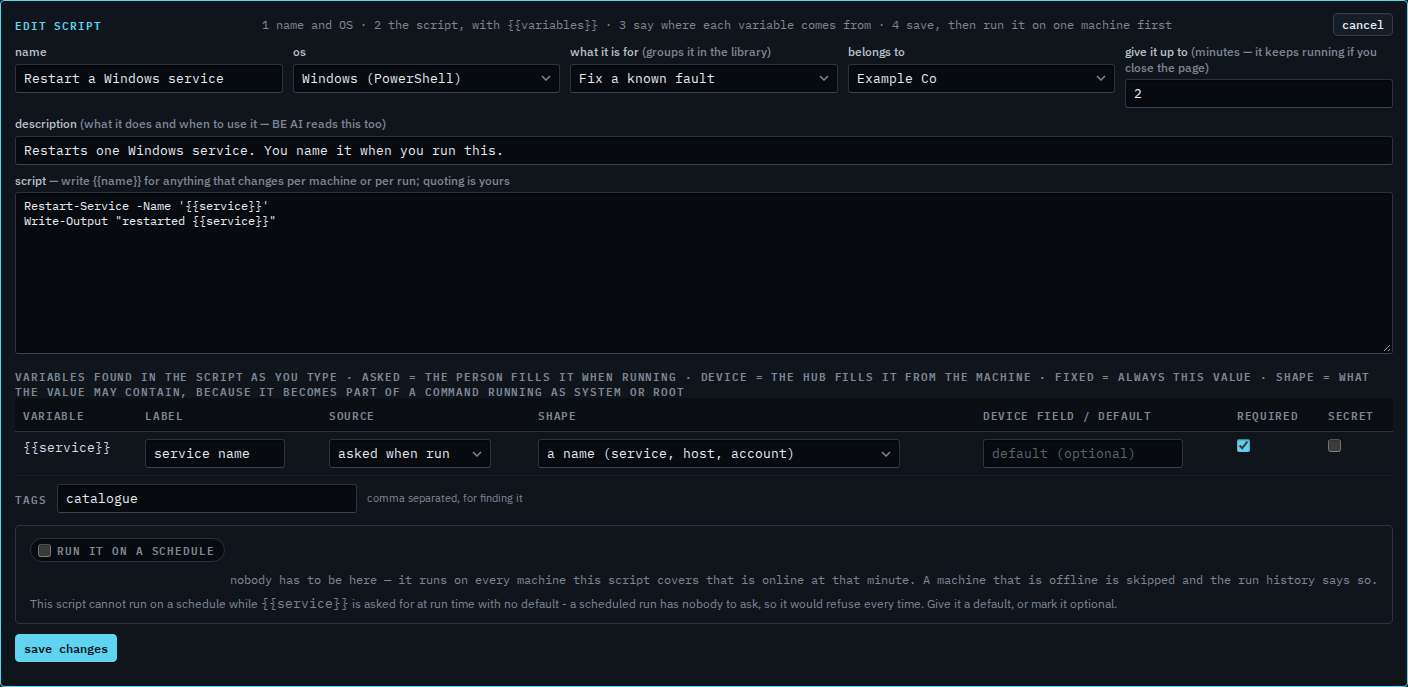
Open Scripts › library. Set the kind to Fix a known fault and press edit on Restart a Windows service. {{service}} has source asked when run. The person who presses run types the service name. Answer what a script asks is that box.
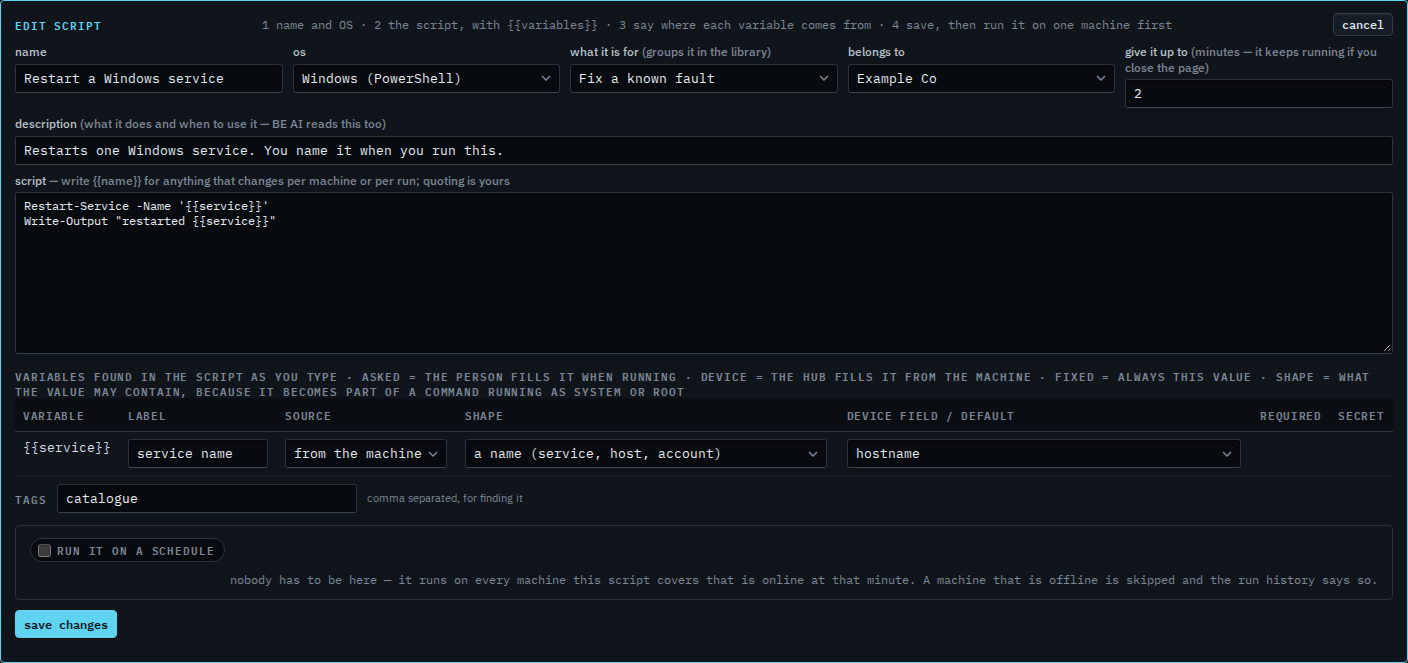
Set the source to from the machine
Set the source to from the machine. The next box is the fact the hub fills in: hostname is the start. The same menu has the display name, the LAN address, the gateway, the external address, the operating system, and a group under a dimension such as site. Required and secret go away, because nobody types this. The shape stays a name, so hostname fits and a value with a semicolon still does not. This shot stops before save changes, and the last step cancels, so the script stays asked when run.
Typing the answer yourself is Answer what a script asks. A value that never changes is Always send the same value in a script. The shape on that row is Say what a blank in a script may contain.