Let a script keep running for hours.
Scripts › library, then + script. The time limit is on the new-script form. It is saved with the script, not when you press run.
Open a new script
Open Scripts and press + script. Company admins see that button. Give it up to starts at 2 minutes. That is enough for a short command. A copy or a backup that runs longer is stopped at two minutes and the run says it timed out. The number is minutes. Closing this page does not stop a run that has already started. Add a script to the library is the rest of this form.
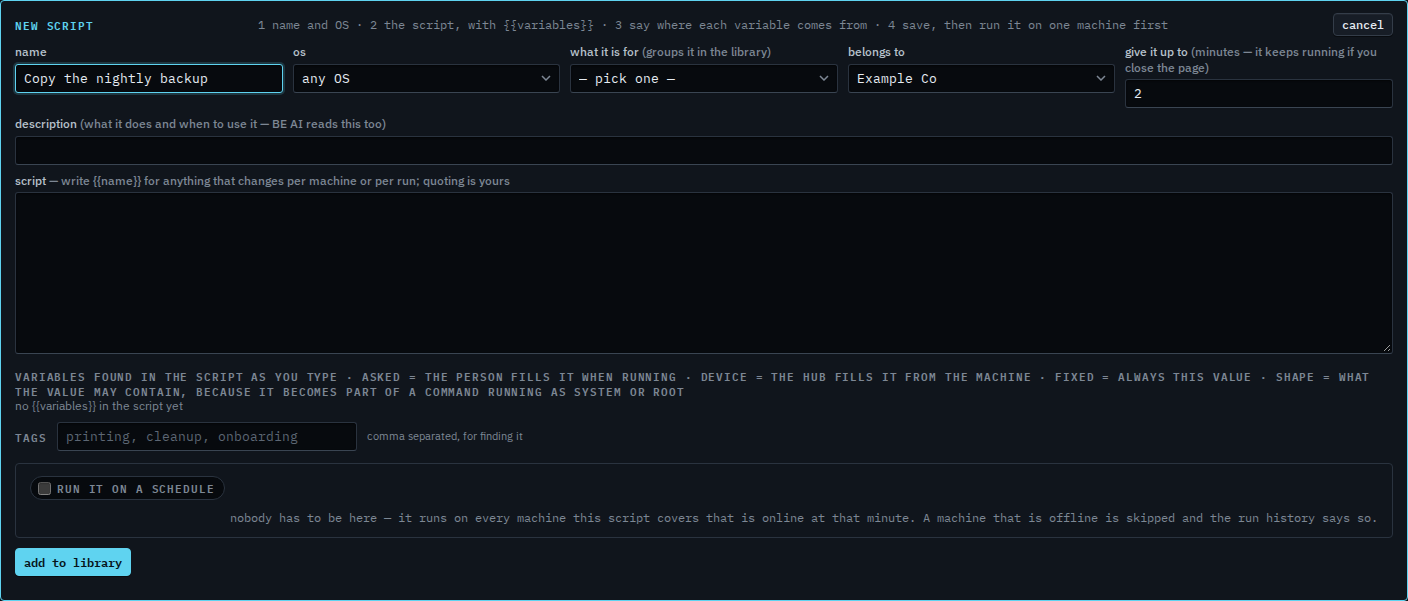
Type the minutes you need
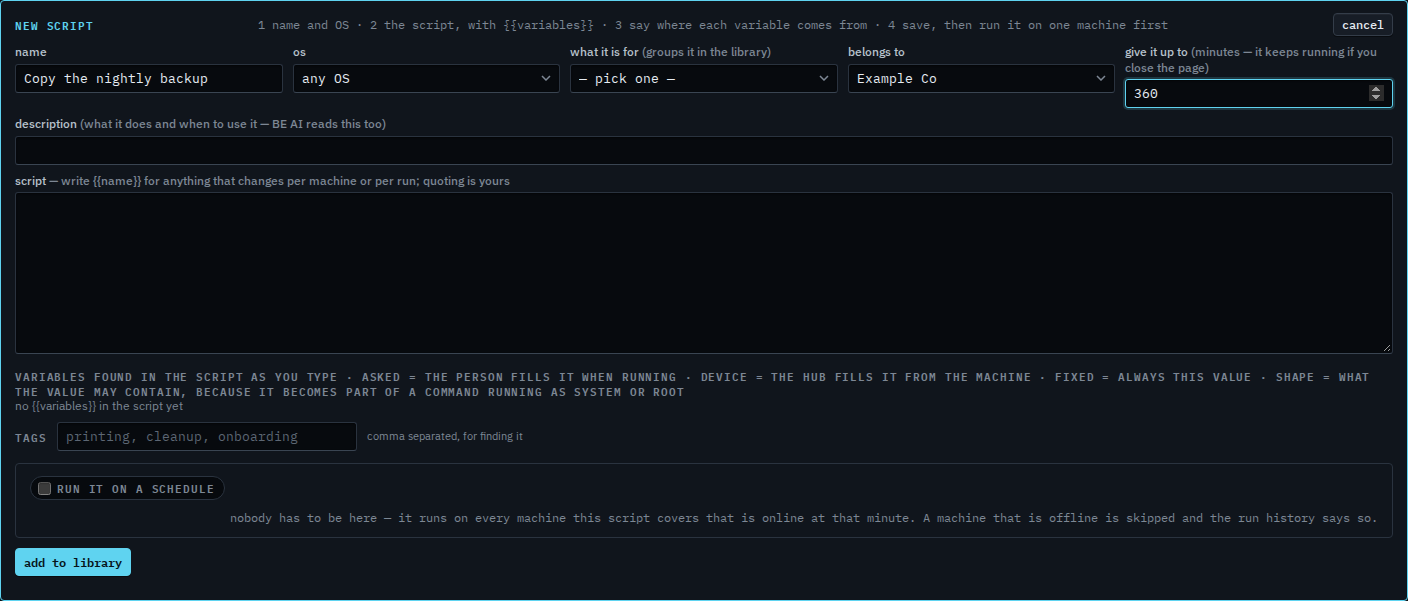
Type 360. That is six hours. The run keeps going after you close the page, up to that limit, and the result lands under Scripts › runs. 720 is twelve hours, and that is the longest. One minute is the shortest. Add to library saves the limit with the script. This shot stops before that button, so nothing new is stored. Stop a script that is still running cancels one that has already started.
Writing the command is Add a script to the library. Stopping one that is already going is Stop a script that is still running. A night run is Run a script on a schedule. The machine still needs its own allow shell.