Remove a check.
Health › checks. Remove is on the row in the editor. Nothing reaches the agent until you push.
Add it to the list, then find remove
Open the machine, then health › checks. A check that is only in this list has not been sent. Remove is on that row. This one is a free-space check, added so the button is visible. Add a disk or ping check is how a row gets here.
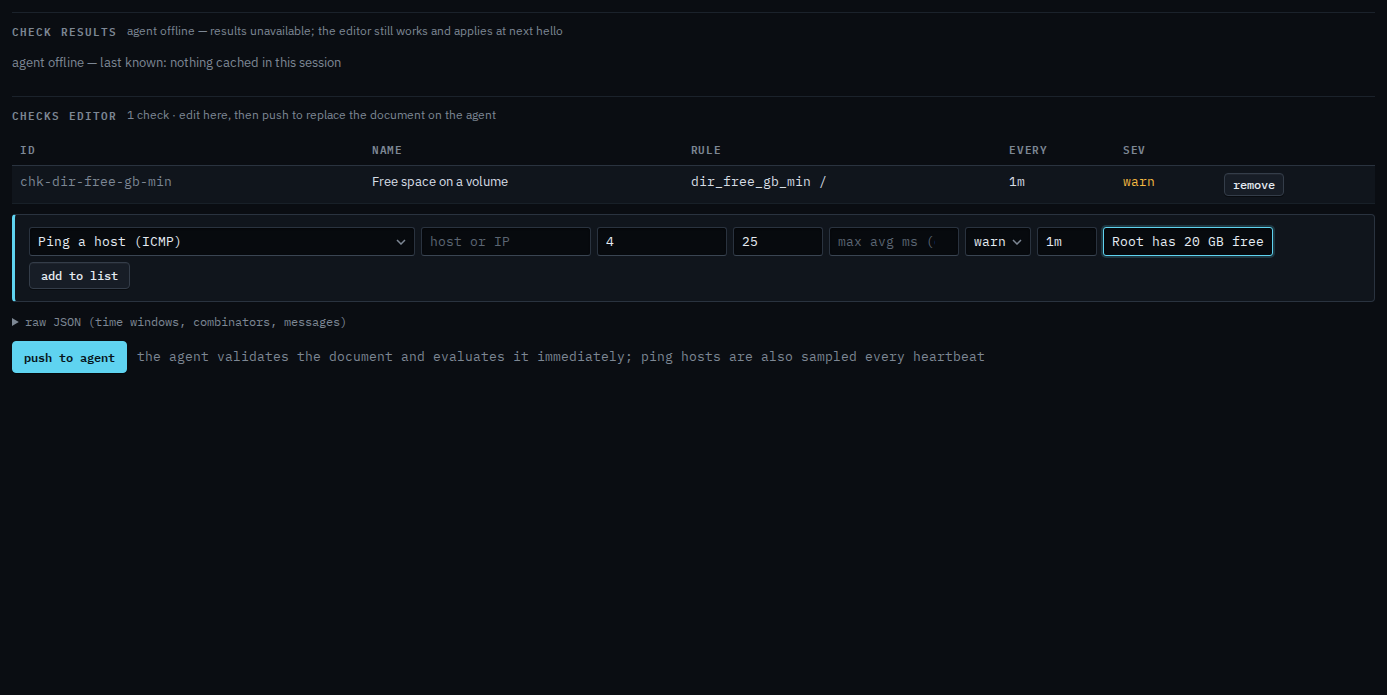
Remove it, then push when the list is right
Press remove. The row leaves the list. Push to agent is still the next click, and it asks you to confirm. Push replaces the whole document, so the agent stops evaluating a check that is no longer in it. This shot stops before that, so nothing has been sent. The form underneath is ready for the next check.
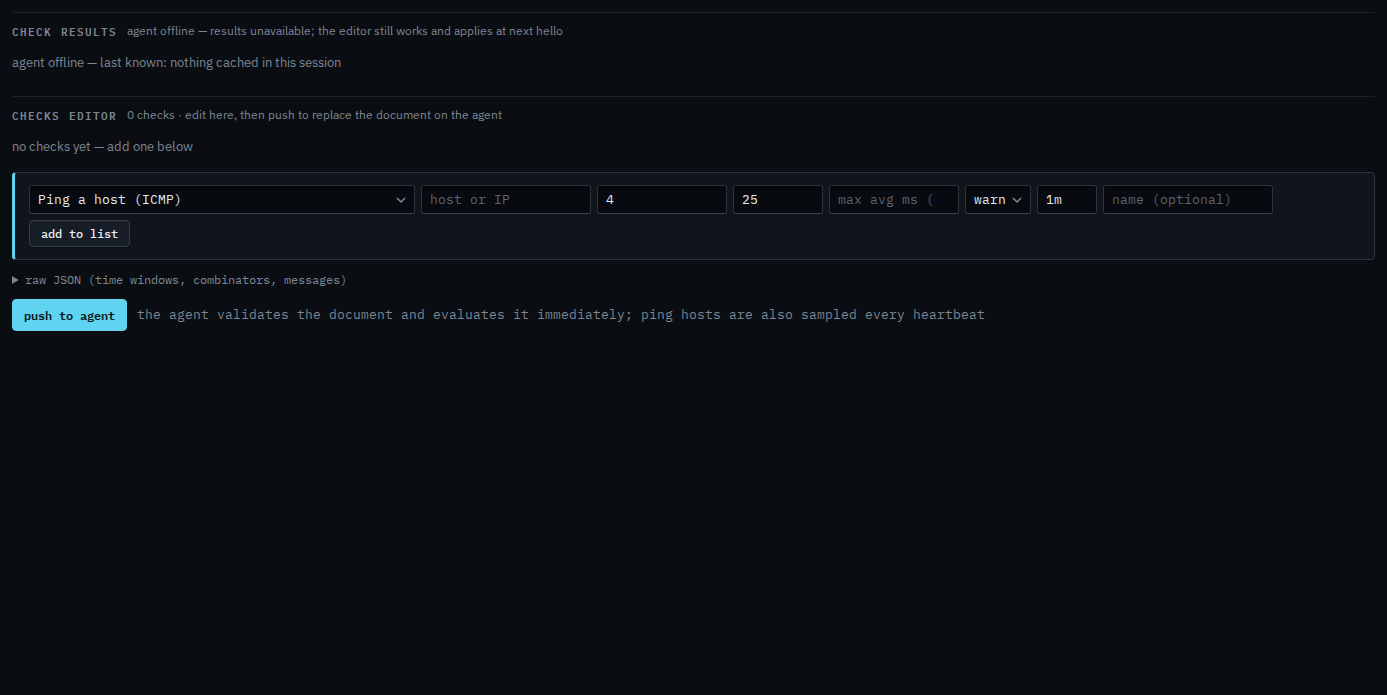
Push is a two-step button. The agent must be online to take the new document. You can still edit while it is offline, and it applies at the next hello. Adding one is Add a disk or ping check.