Alert when a guest is stopped.
Network › VMs, on the hypervisor. Selecting a guest is how a powered-off VM becomes an alert and a BE AI investigation.
Open Network › VMs
Each guest has alert on this. Nothing is selected, so a stopped guest does not email anyone and does not start an investigation. web01 is stopped. files01 is running. Both stay quiet until you select one.
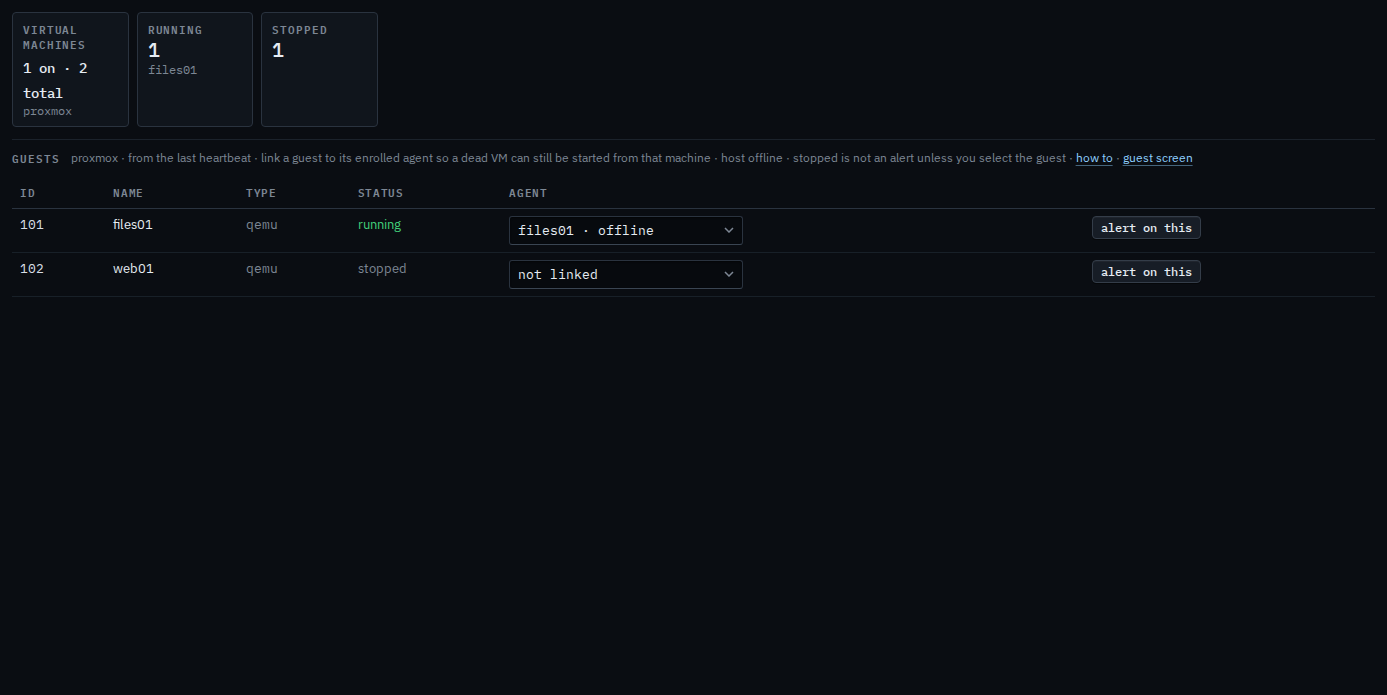
Select the guest you want told about
Press alert on this on web01. The row is marked alerting, and the button becomes stop alerting. That turns on a vm_running check for that guest. When web01 is off, the alert is a check failure. files01 stays quiet. Press stop alerting to take web01 off the list. This shot is the selected state.
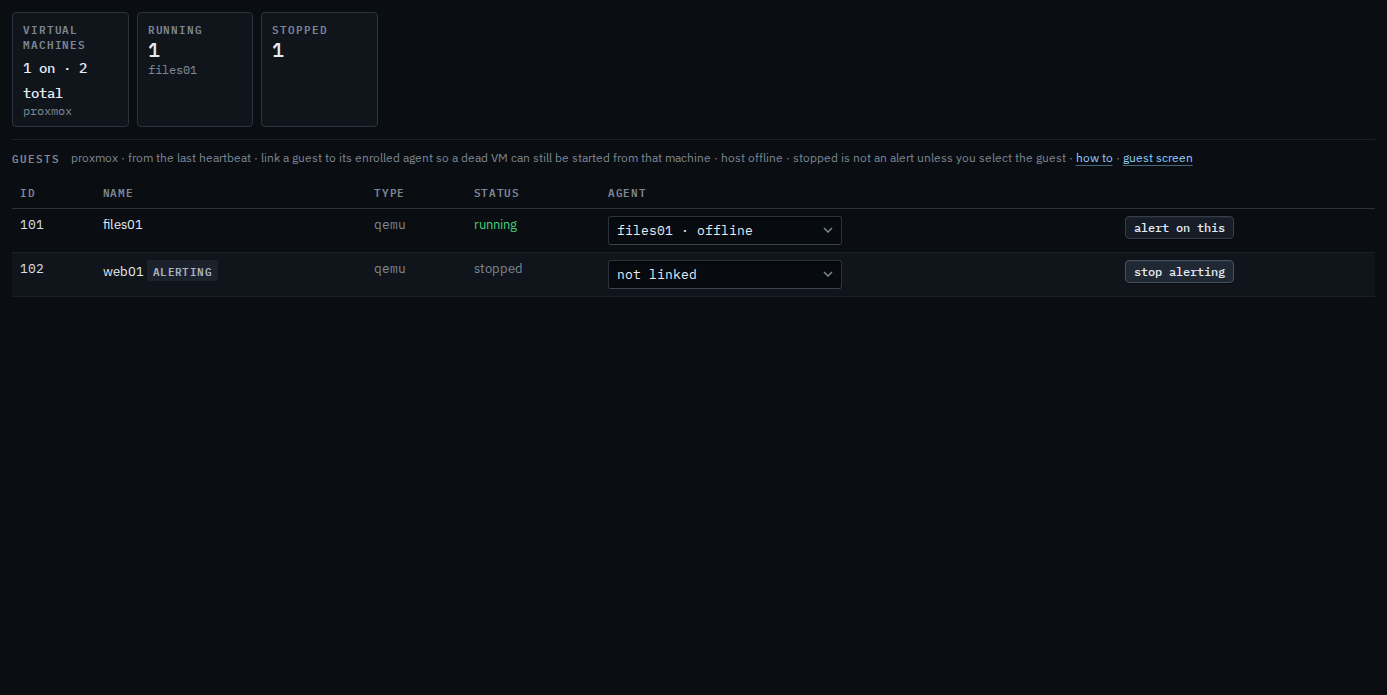
The host does not have to be connected for this button. The guest list is from the last heartbeat. A named check, with an interval, is Check that a virtual machine is running. Linking the guest to its machine is Link a virtual machine to its host.