Turn an alert script off.
Alerts › scripts. Off is not delete. The trigger is still there. Tick enabled and save to turn it back on.
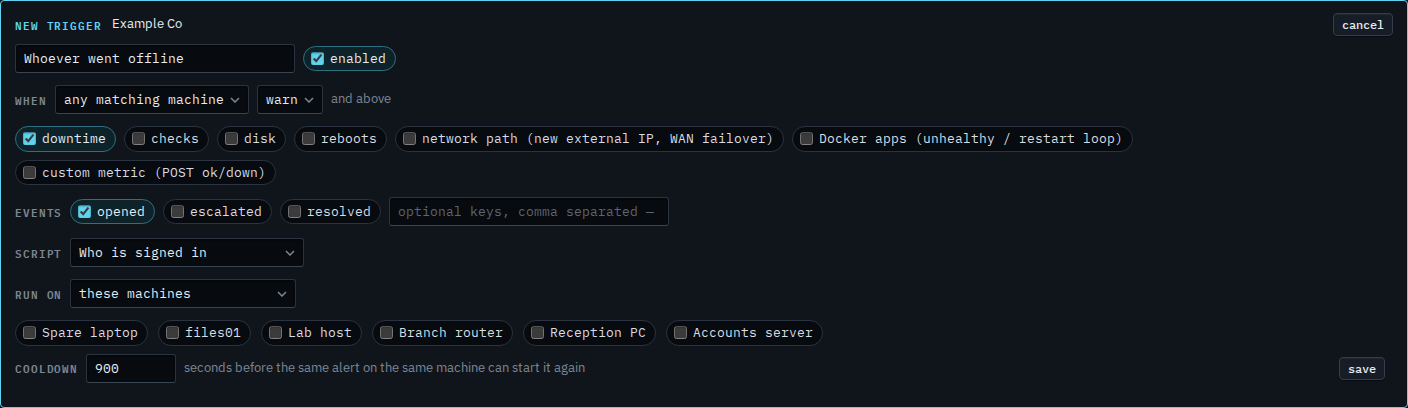
Enabled starts ticked
Open Alerts › scripts and press new trigger. Name it and choose Who is signed in. Enabled is ticked, next to the name. A saved trigger in this state runs when it matches. The list does not say off.
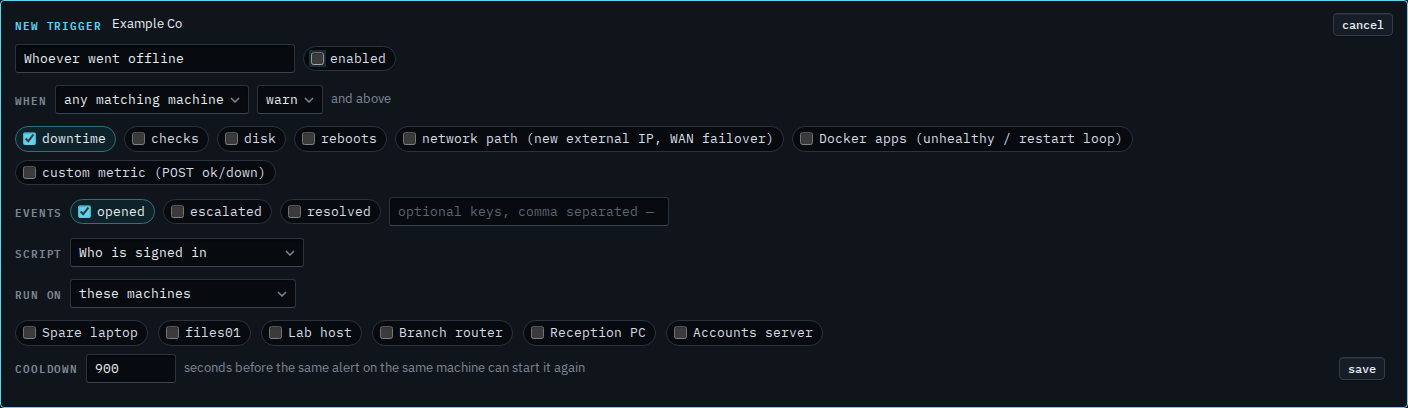
Clear enabled
Clear enabled. Press save and the row stays in the list with off beside the name. It matches nothing until you edit it, tick enabled, and save again. This shot stops before save, so no row is written. Cancel drops the draft. Delete is the other choice, and that removes the row.
Removing the row is Remove a script that runs when an alert opens. Changing what it matches is Change a script that runs when an alert opens. A rule you can switch off the same way is Turn an alert rule off.