Watch or take control of a screen.
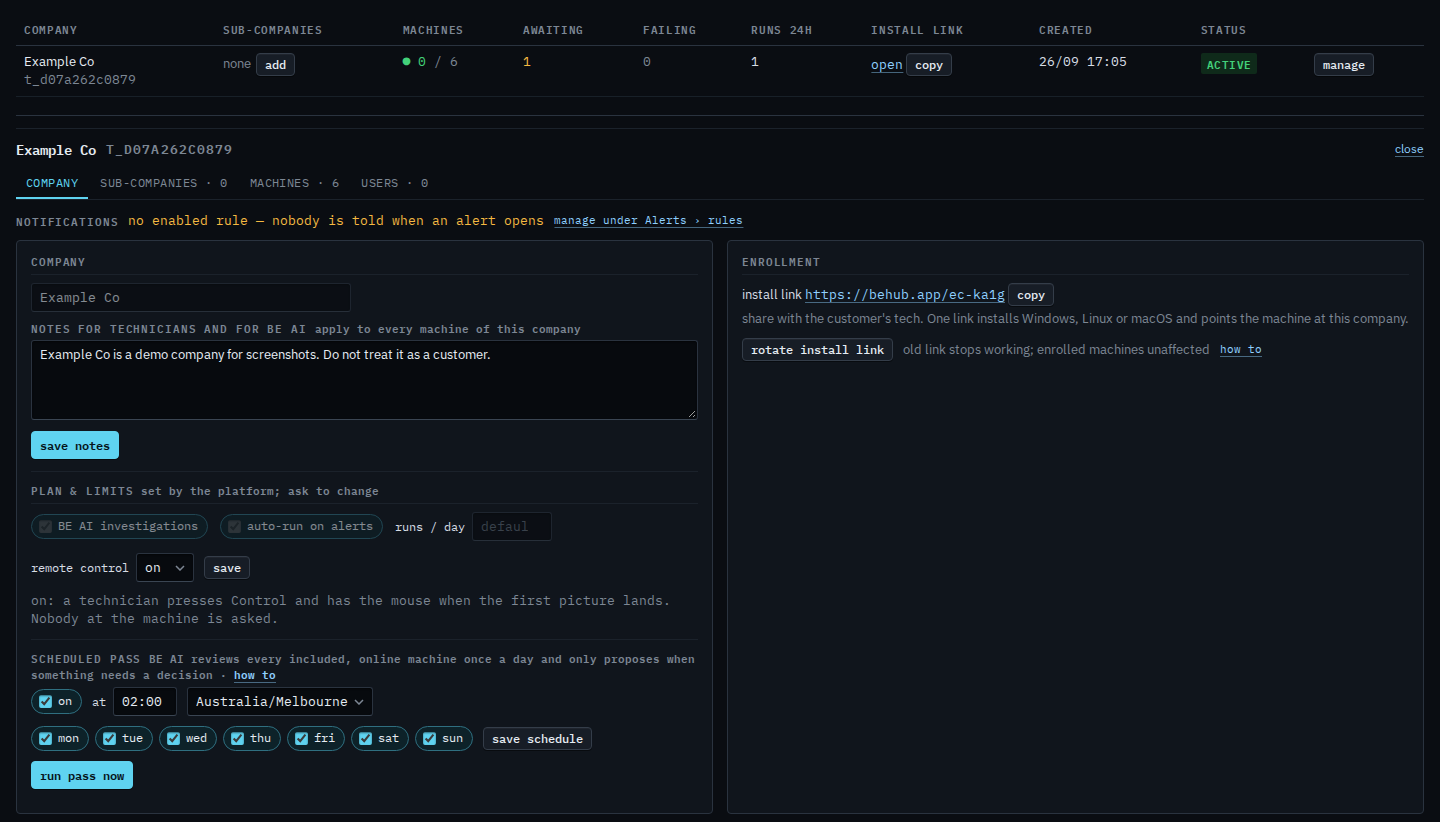
Control and Watch only appear when the machine is online and the company has remote control on (the default). An API key cannot start a session — only a signed-in person.
Company policy is on or off
Under My company, remote control is a single select: on (default) or off. On means a technician presses Control on an online machine and has the mouse when the first picture lands.
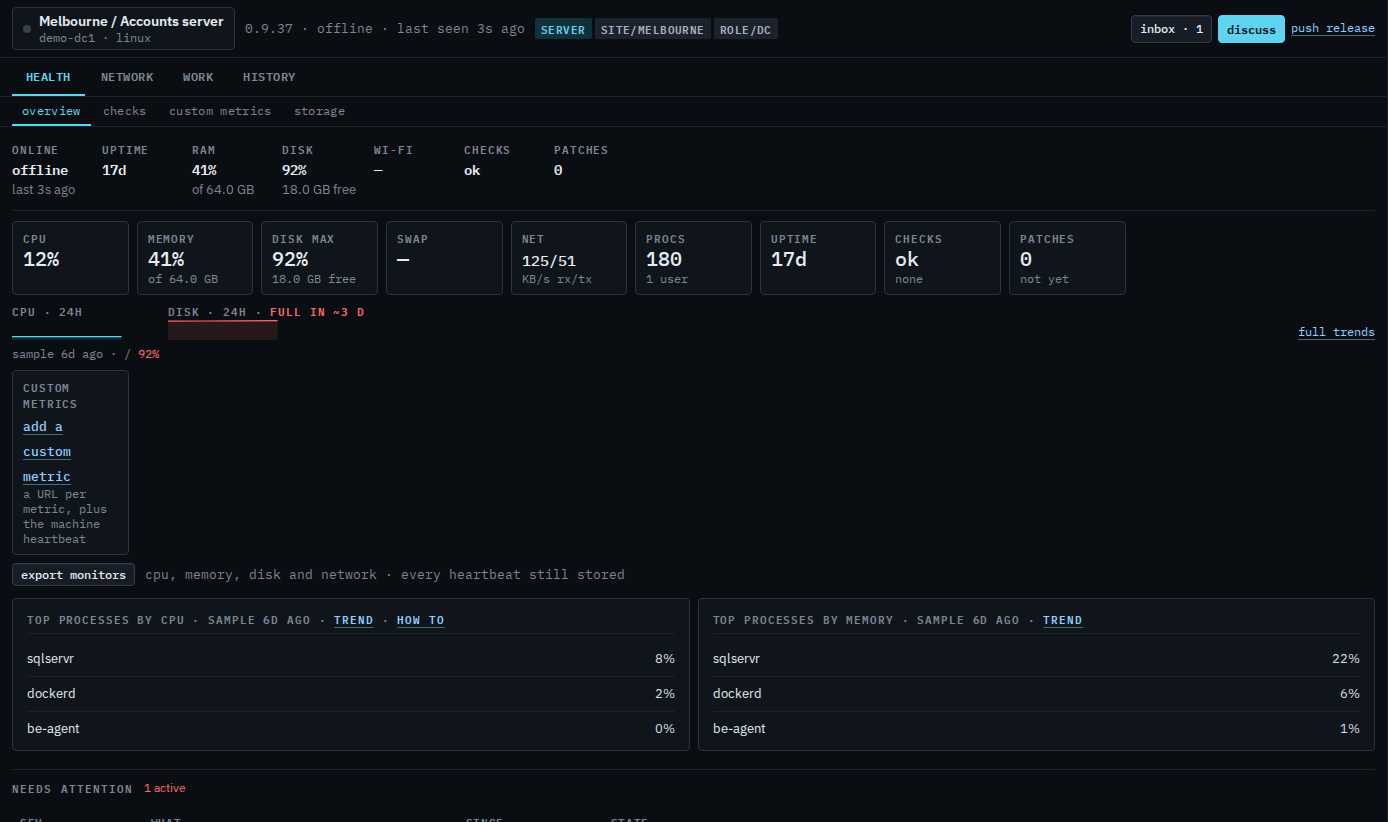
Control and Watch are on the machine header
They show on an online, non-proxied machine. Control takes the mouse and keyboard. Watch is view-only. Both open a separate window (a modal cannot hold Ctrl+W). Linux and FreeBSD also offer Terminal for a shell over the tunnel.
Turning it off for the whole company is Turn remote control off. The picture is a bundled UltraVNC server on 127.0.0.1 only, started on demand. Application mode if someone is signed in; service mode for the sign-in screen. macOS/Linux control is not this path. Copy and paste is text, in the control window and in the Linux terminal. Ctrl+C copies a selection (on the terminal, only when something is selected — otherwise it interrupts the program). Ctrl+V pastes onto the machine. The clipboard button is the same thing when the browser will not hand over the clipboard. The text is not saved; the audit trail records that a transfer happened and how many bytes it was. A file still goes through the files tab.