Run a saved script.
This is not an embedded script engine. The agent sees the same command it would have accepted from a proposal. The machine's own allow_shell still gates it.
Open Scripts
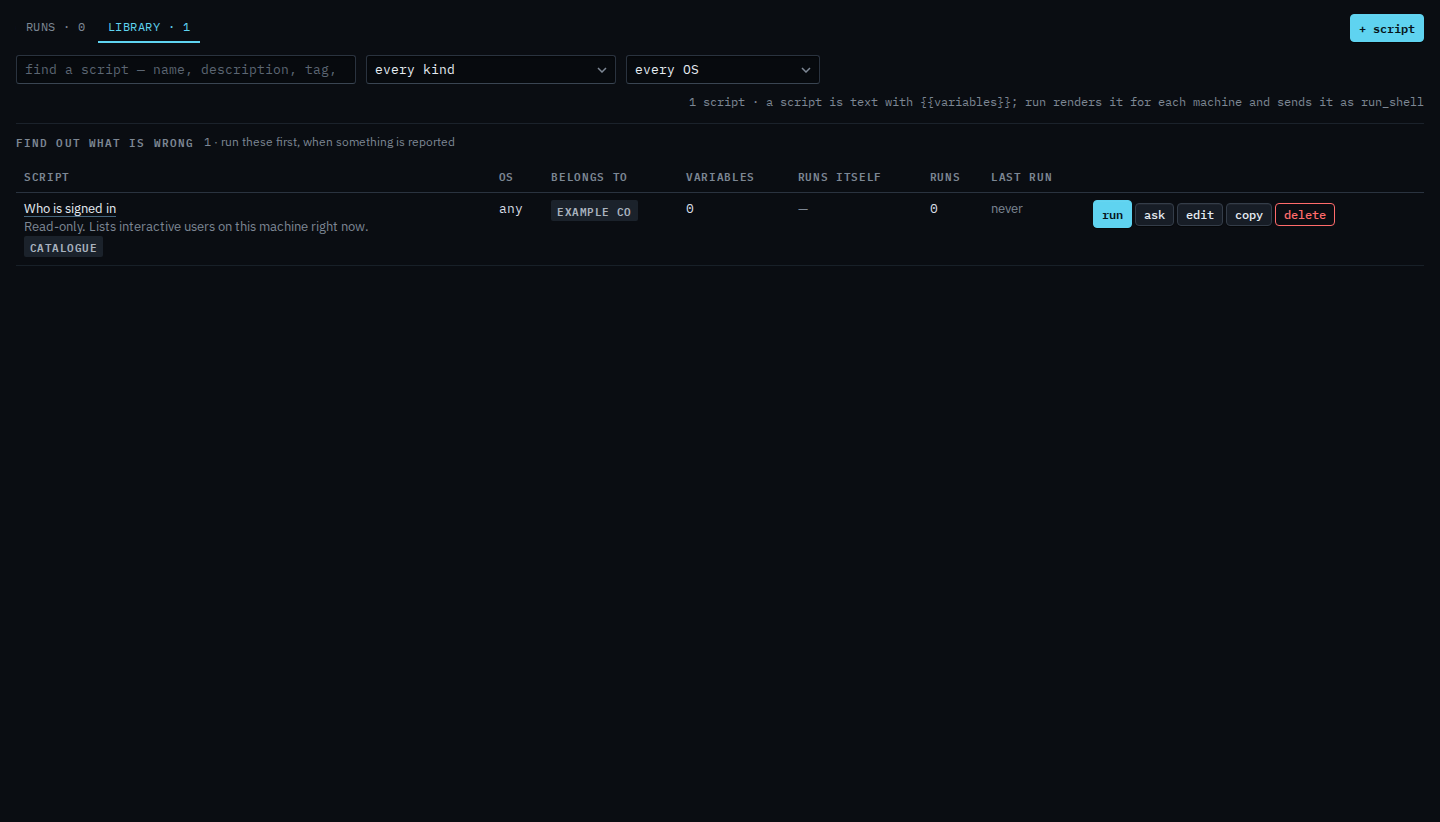
Runs is what already happened. Library is what you can fire. Company admins add and edit; operators run.

Pick one from the library and run
Find by name or by the command text. The kind menu and the operating-system menu narrow the headings — Find a script by what it is for. Press run, tick machines (same company, online, matching OS, max 50), fill any questions, preview, then the two-step run. A script that asks for a name or a path is Answer what a script asks. Output is capped; a six-hour backup is a background job and keeps going if you close the page. Stop a script that is still running is the stop button on Scripts › runs. On one machine, see which scripts this machine needs names a few that match what it is reporting. A script kept on one machine only is Keep a script on one machine. To have a script start itself, see run a script on a schedule.