Tell BE AI about the whole company.
My company. Company admin. The box is empty until you write in it and press save notes.
Open notes for the company
Open My company. Notes for technicians and for BE AI sits on the company card. It applies to every machine of Example Co. The box is empty. Save notes is what writes it. One machine's own box is Tell BE AI about this machine.
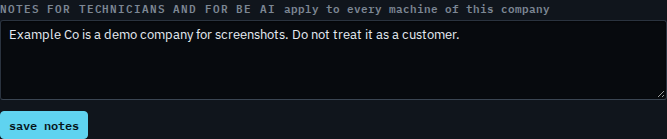
Write what every investigation should know
Type the instruction in plain words. Here, SQL backups on Accounts server are copied off-box and must not be proposed for deletion. That is not saved yet. Press save notes and the next BE AI run for any machine in the company is told it is a technician instruction. This shot stops before that button, so the box is still empty on the hub.
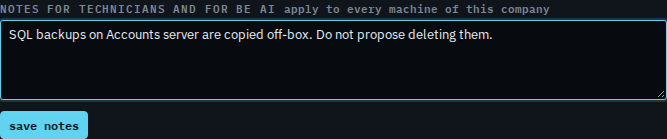
One machine's own instructions are Tell BE AI about this machine. The notepad drawer is not read until you share a note into a machine — Write an internal note. The rest of this card is Company notes, schedule and remote control.