Start a stopped Docker app.
Network › containers. A running app has restart and stop. An exited app has start.
Start is on the app that is not running
Open the machine, then network › containers. old-web is exited, so the row says start. The running apps say restart and stop. Start asks you to confirm, then sends start to the agent. Exited is not an alert: a Coolify deploy stops the previous container, and that is not a problem until you say it is. The machine in this picture is painted connected so the button is visible. It still has no tunnel, so a confirm here would not reach Docker.
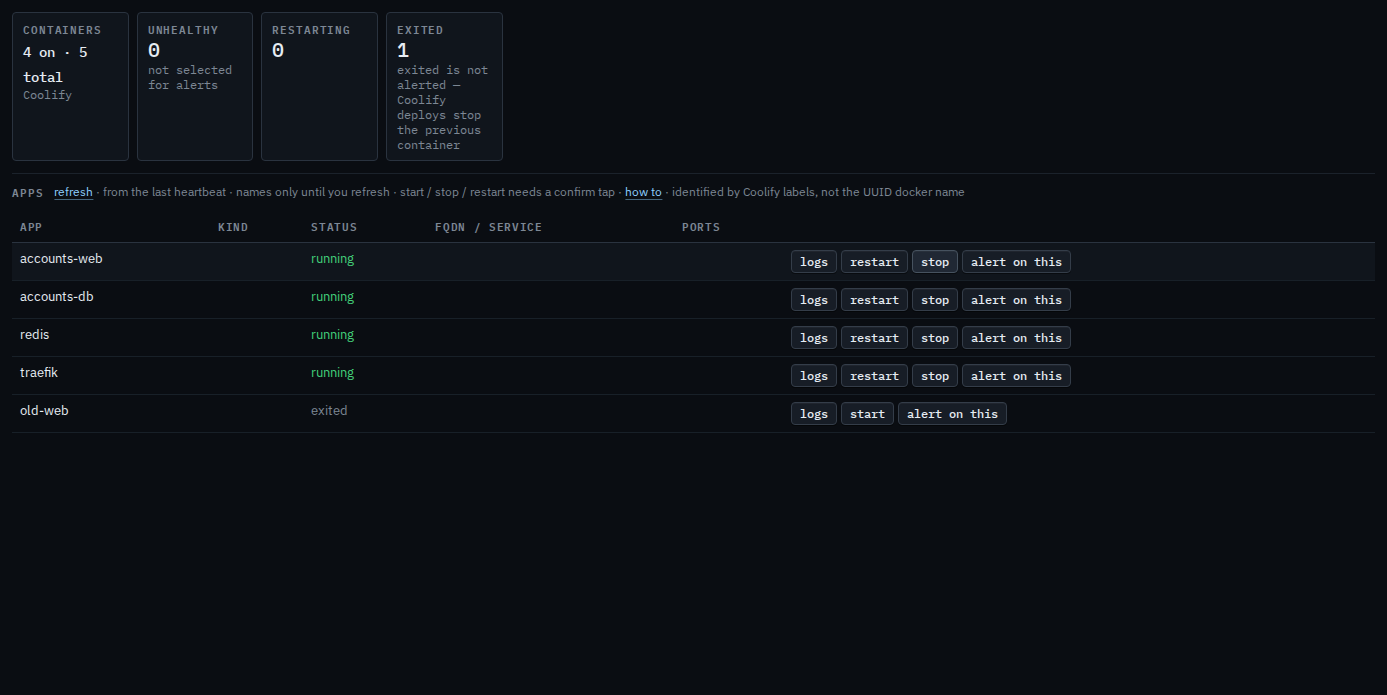
Press start, then confirm
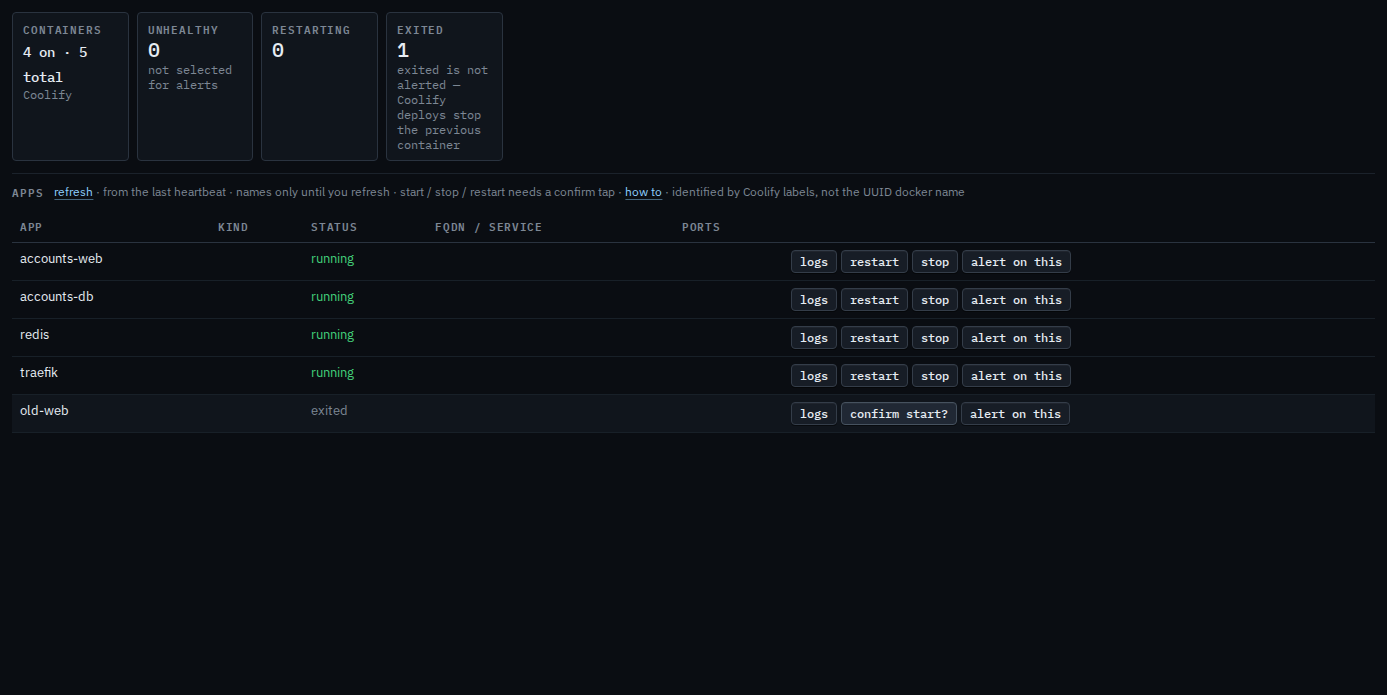
Press start on old-web. The label becomes confirm start?. Press it again to send start to the agent. This shot stops on the confirm, so old-web stays exited. The second press is audited. A few seconds with no second press puts the label back to start.
Stop on a running app is Stop a Docker app. Restart is Restart or stop a Docker app. Recent lines are Read a Docker app's logs. The list is See Docker apps on a machine.