how-to · history
Open this in the console
Read a machine's trends.
History › trends is the picture. The file of every heartbeat is the same export as on the overview.
A gap in a process line is the name dropping out of the top few, not the process exiting. The overview sparklines are the last day of the same disk and CPU.
01
Open History › trends
Open the machine, then history › trends. The range is 24 hours, 7 days or 30 days. CPU and memory, the worst disk, and network in and out are always there. Top processes are drawn when the heartbeats ranked them. Export raw CSV is the heartbeat file. Read the last heartbeats is the same numbers as rows. Download a machine's history is the same file from the overview.
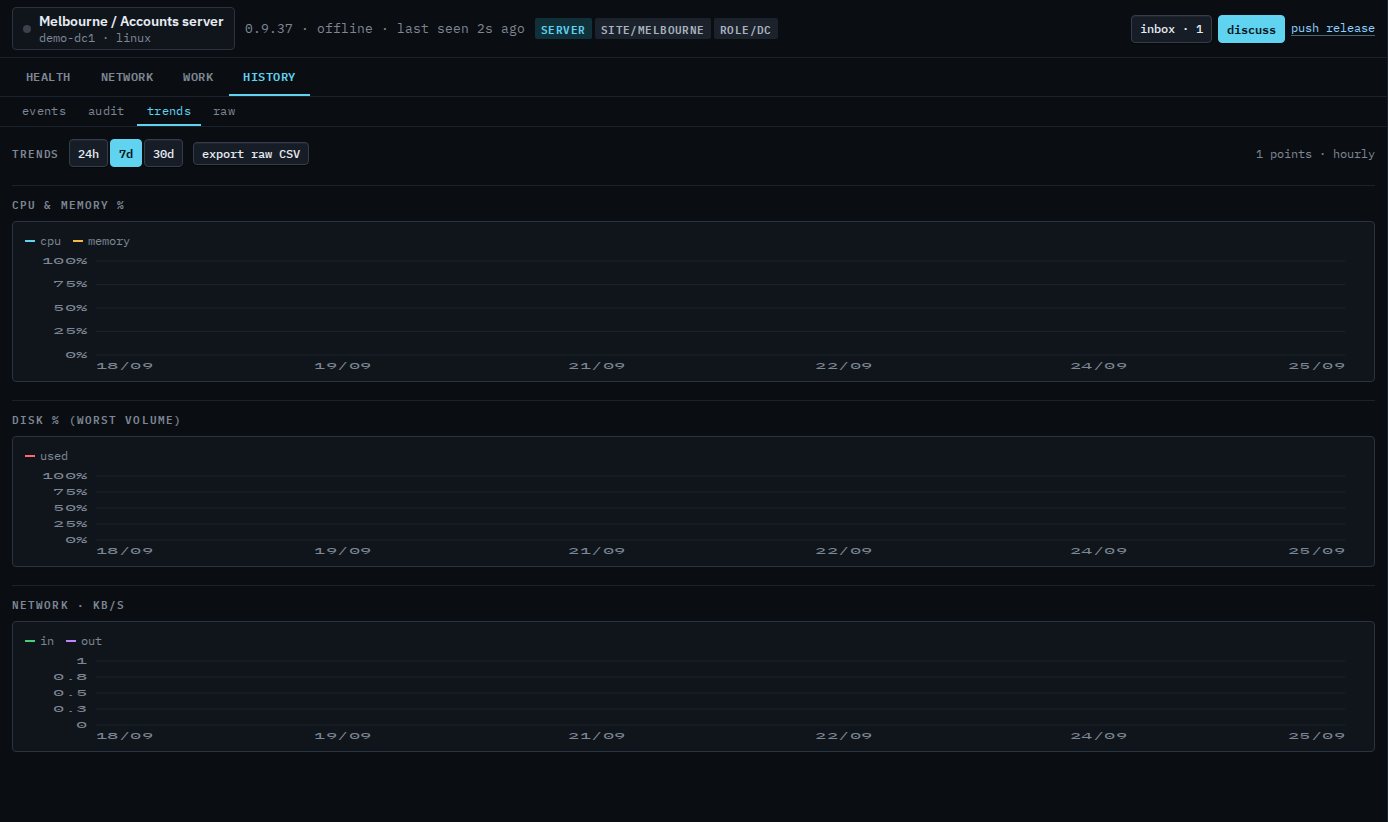
Ping and app-check lines appear when that machine has them. The last day is empty when the newest heartbeat is older than that. Export raw CSV is every heartbeat the hub still has, not the rolled-up chart. The same charts for a sub-company user are Read trends on your machine.