Mark a machine VIP.
Work › actions, identity. Tags sit under the type menu. Groups are the paths underneath.
Tags start empty
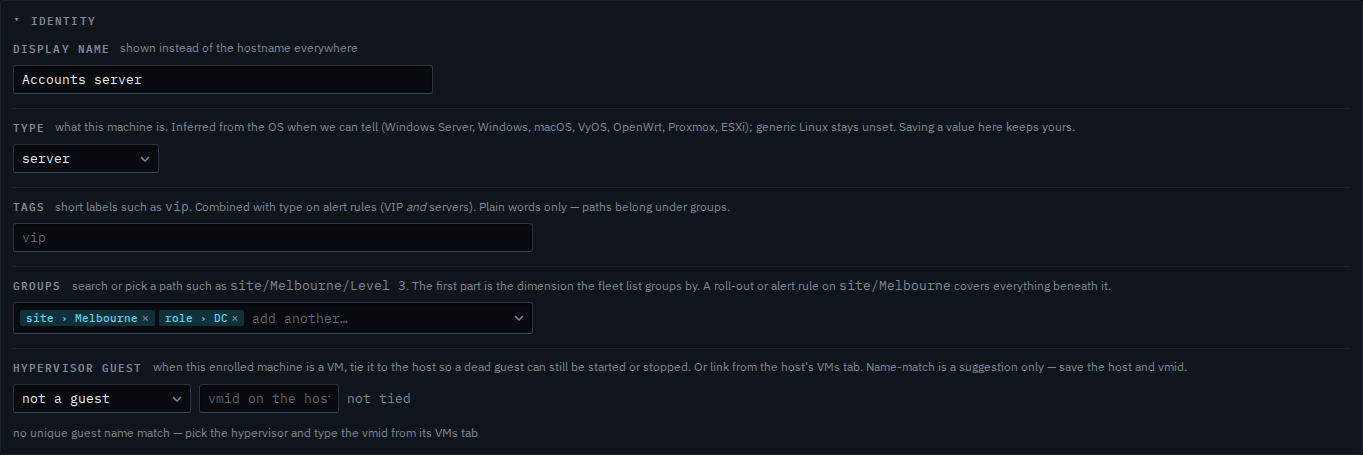
Open the machine, then work › actions, and open identity. Tags is the line under type. Accounts server has no plain tag. It is already in groups: site/Melbourne and role/DC. Those paths are not tags. The placeholder says vip, which is the usual word for a machine a rule should treat specially.
Type vip
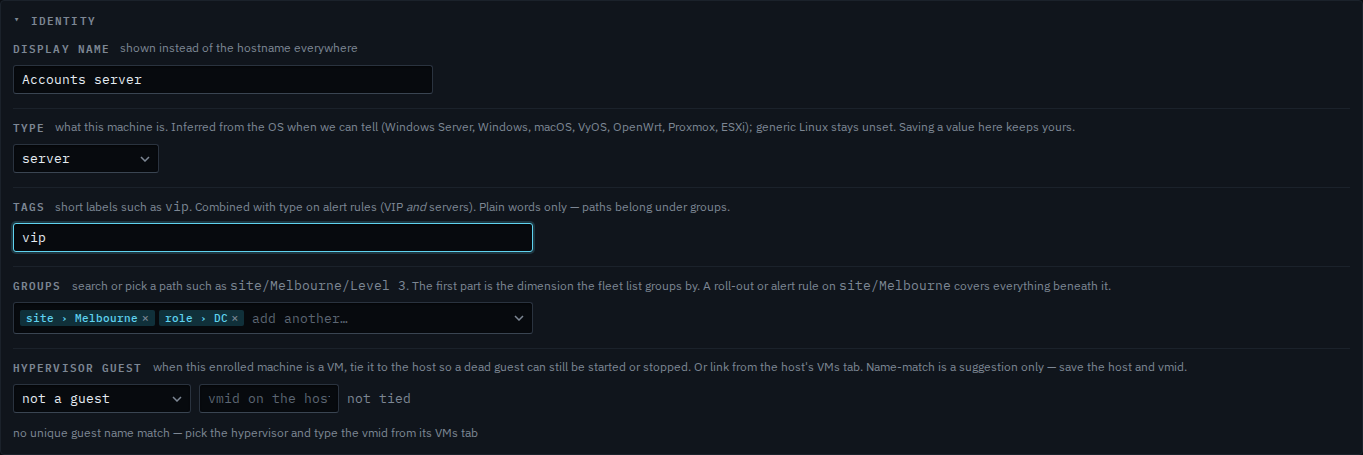
Type vip. Several words are separated with commas. Press save at the bottom of actions and the word is on the machine. An alert rule that ticks vip, and also ticks server, reaches servers that carry the word and nowhere else. This shot stops before save, so Accounts server has no vip tag yet. A path such as site/Melbourne still belongs in groups, not in this box.
The type menu is Change what kind of machine this is. The name in the fleet is Give a machine a display name. A site path is Put a machine in a site. A rule that also ticks a site is Limit an alert rule to one site. A rule that ticks server is Limit an alert rule to servers.