Leave a comment on an alert.
A comment is what you would tell the next technician. It is optional when you acknowledge, resolve or release, and required when the only thing you are doing is adding a note.
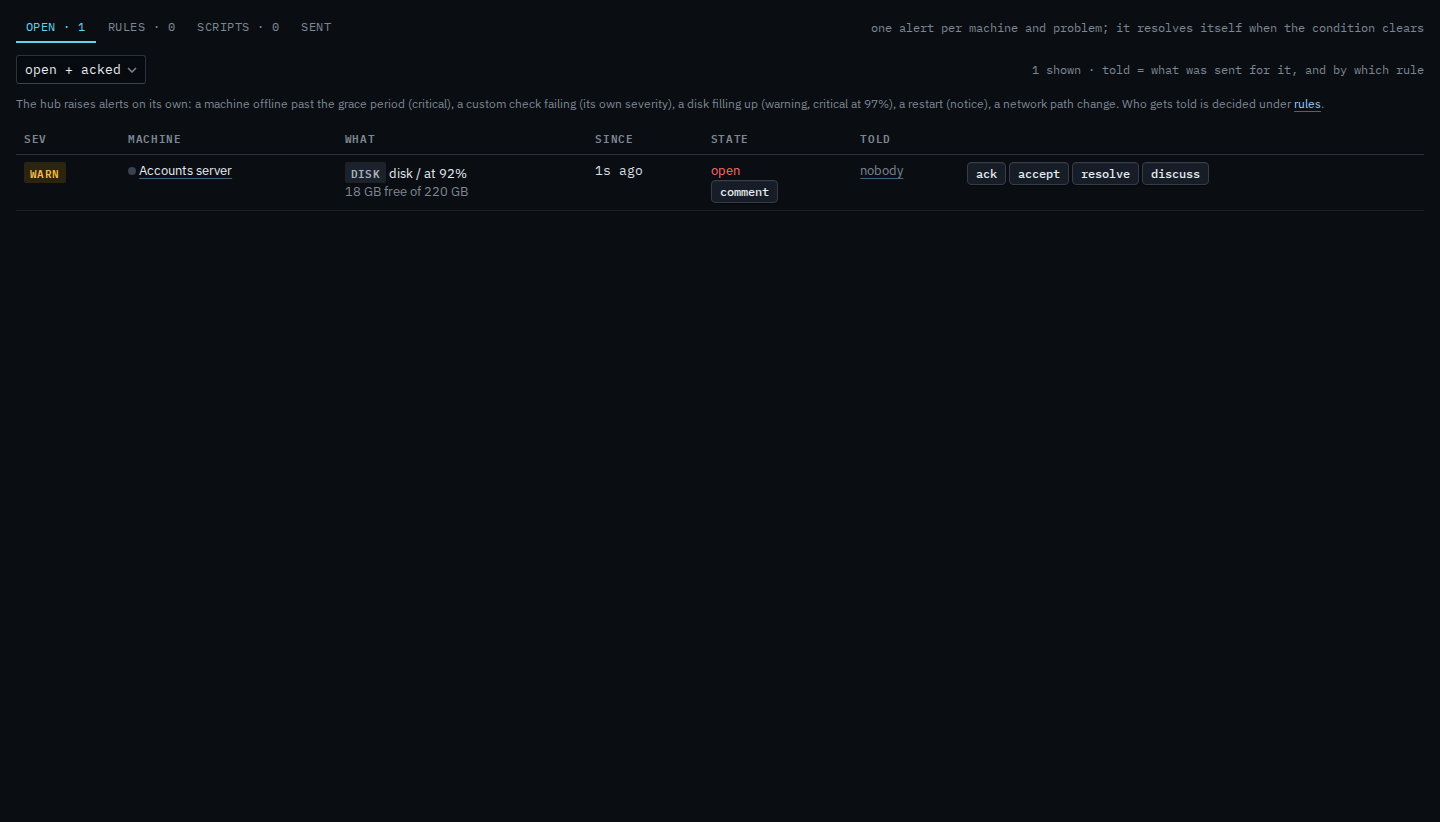
Open the thread from the row
On Alerts › open, press comment on the row. Ack and resolve open the same box, with the comment optional. The state column quotes the latest note once one exists.
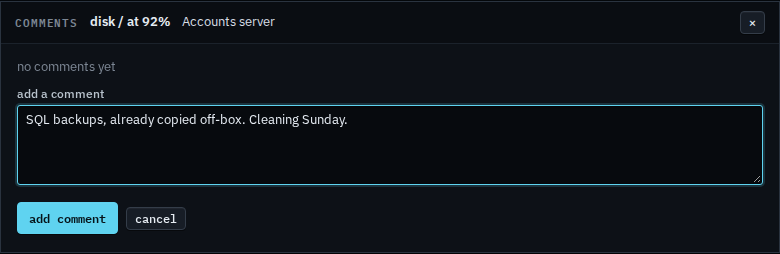
Write what the next person should know
The box lists comments already on this alert. A note by itself needs text. Ack, resolve and release still go through if you leave the box empty.
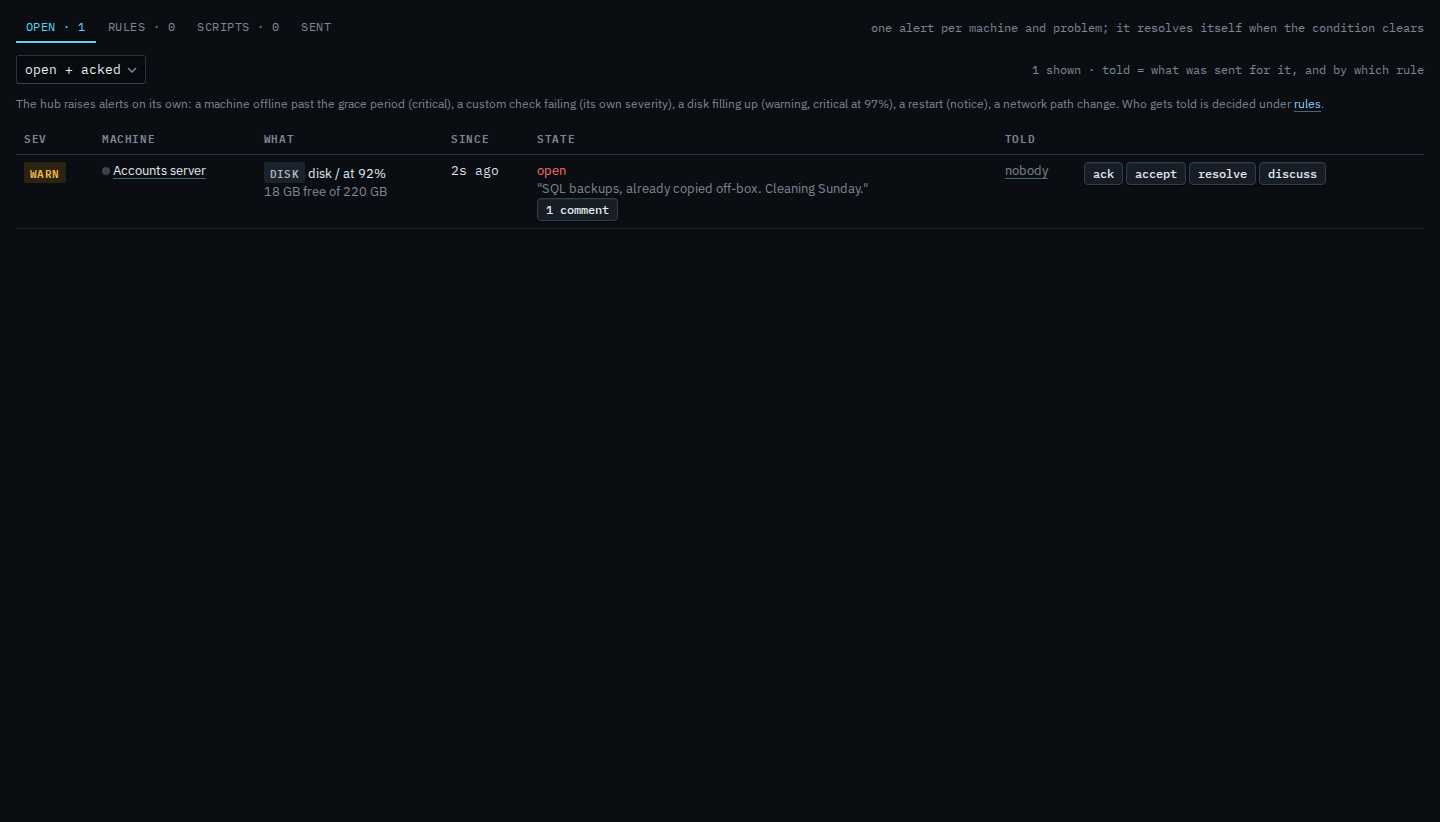
The row keeps the latest line
After you add it, the state column shows the note and the count. The same dialog is what ack, resolve and release use, so a reason typed there lands in this thread too.
Accept keeps its own note, and BE AI reads that one. A later comment on the thread does not change the acceptance. Acknowledging is Acknowledge an alert. Closing it by hand is Resolve an alert by hand. The same box for a sub-company user is Leave a comment on your alert.