Show when someone opened a machine.
Audit. All kinds is the default, and it leaves scanner noise out. Console · machine opened is written when someone opens a machine.
Open Audit after a visit
Open Accounts server, then leave it. The kind menu says all kinds (no probes). Two lines are from that visit: machine_opened (opened · overview) and machine_closed (viewed, with how long). The menu calls those kinds console · machine opened and console · machine closed. Changing the menu does not remove them from the record.
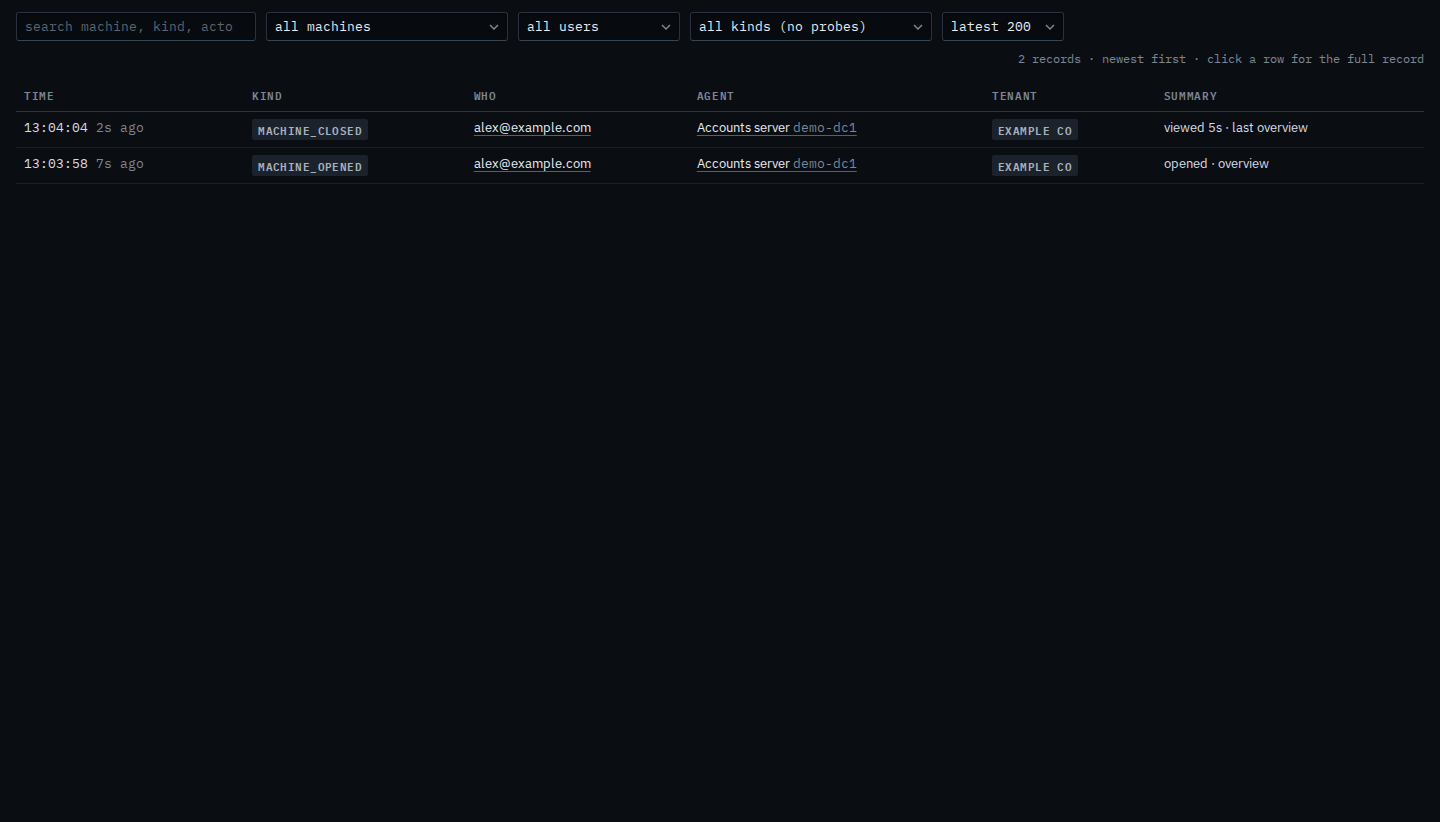
Keep openings
Set the kind menu to console · machine opened. The list reloads. Leaving the machine drops out. The opening stays: alex@example.com, Accounts server, opened · overview. Set the menu back to all kinds (no probes) and the leaving line returns. Rejections & probes is the scanner noise, kept out of this list on purpose.
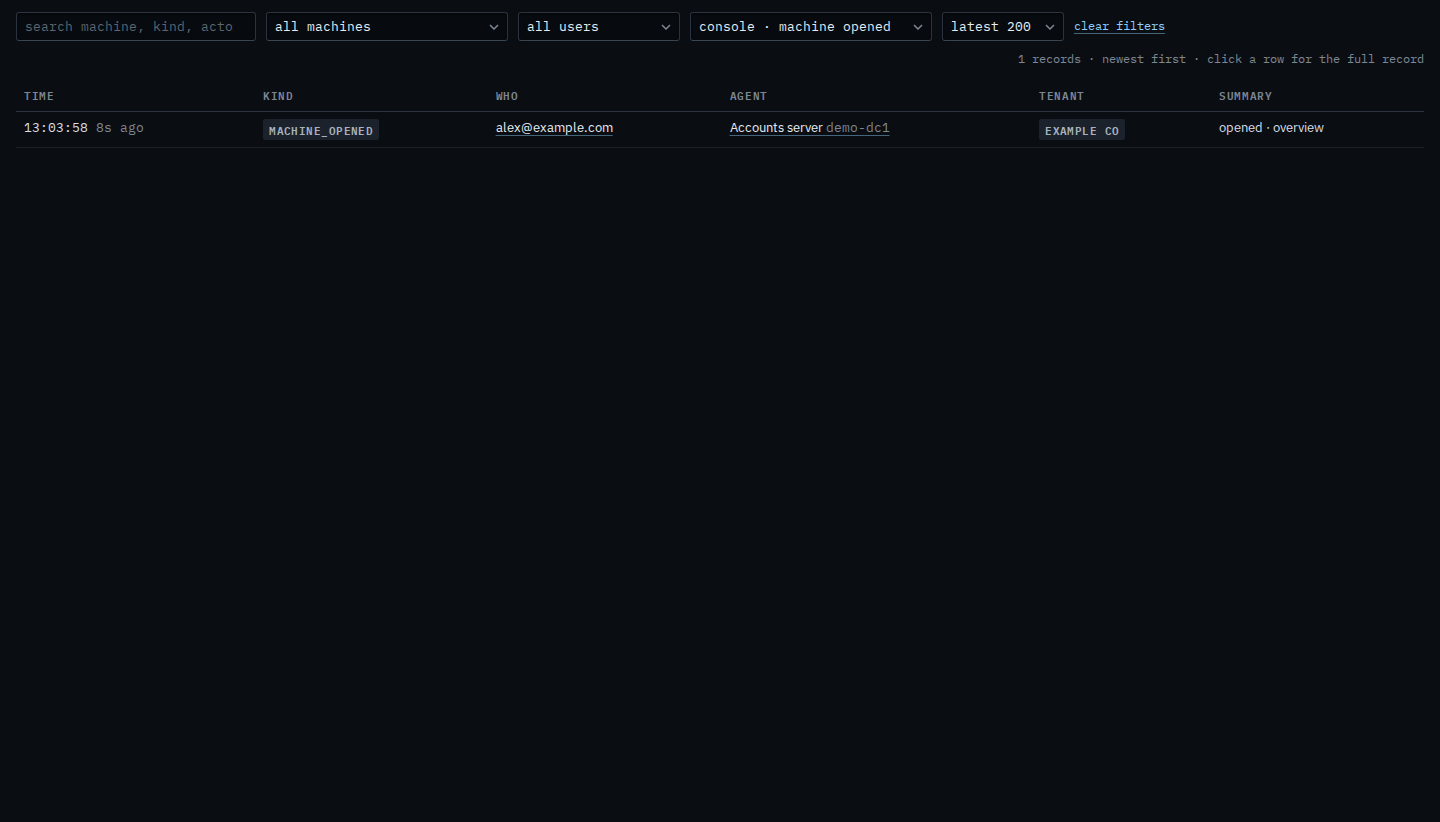
The whole trail is Search the audit trail. One machine is Limit the audit trail to one machine. A word in the line is Find an audit line by a word. The same lines while you are already on a machine are See who opened this machine.