Also tell them about a notice.
Alerts › rules. From is the severity floor. Warning and above is the start. Info and above is everything.
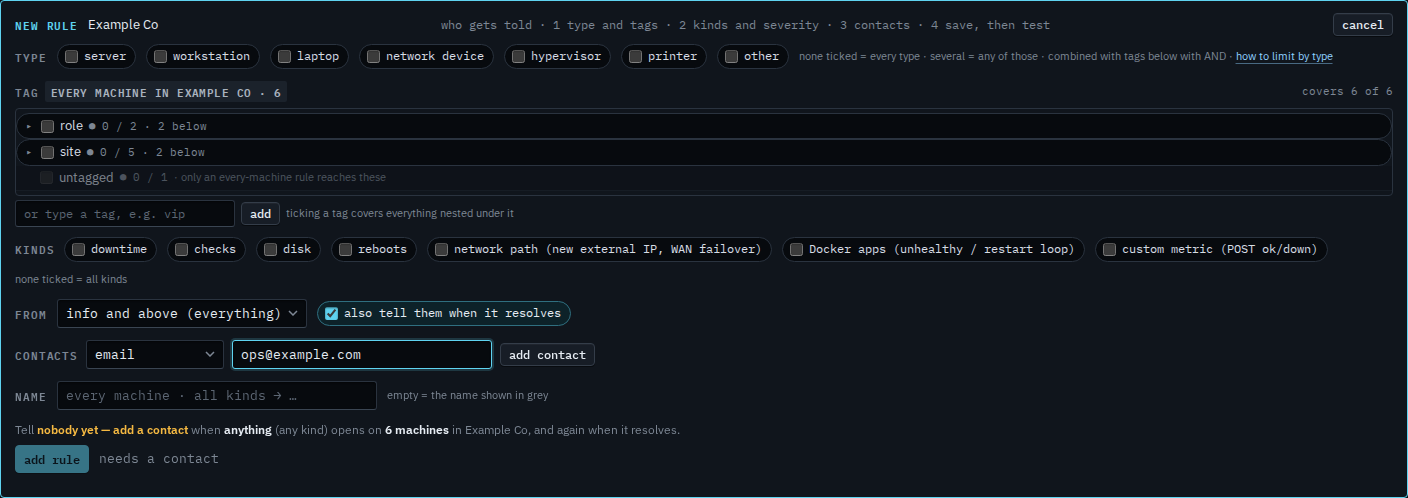
Set the floor to info and above
Open Alerts › rules and press + rule. From starts at warning and above. Set it to info and above (everything). A notice, including a routine reboot, then matches. Kinds left clear still means every kind. The address is typed and not added yet. Type and tags left empty cover every machine.
Read the sentence, then add the rule
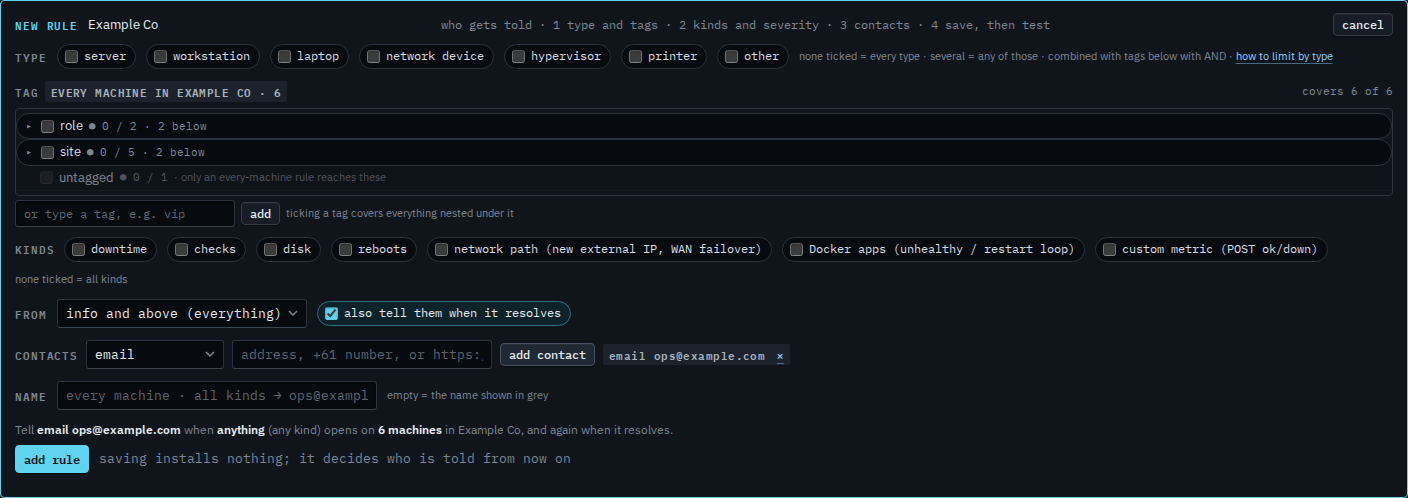
Press add contact. The grey sentence reads: tell email ops@example.com when anything (any kind) opens on 6 machines in Example Co, and again when it resolves. Anything is the info floor. Press add rule when that sentence is the one you want. This shot stops before that. A warning-only rule is the default you just left.
A rule that starts at warning and above is Tell someone when a machine needs attention. A routine reboot is a notice, and warning and above skips it — Only tell them about a reboot. Moving a saved rule to critical only is Change an alert rule.