Find an internal note.
Notes drawer. The box is on the top of the drawer, next to here.
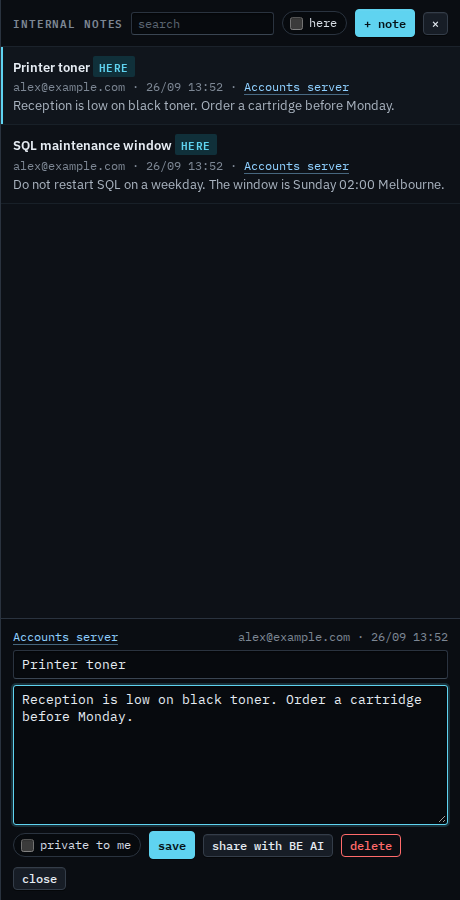
Two notes, before the search
Press notes and write two notes on Accounts server. The search box is empty, so both stay in the list: Printer toner and SQL maintenance window. Each says here, because this machine is on screen. Nothing has been typed in the box.
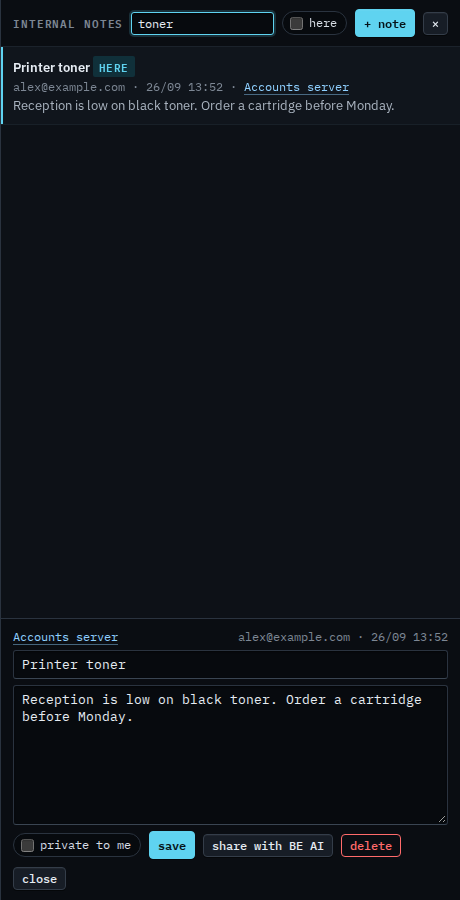
Type toner
Type toner. The box waits a moment, then the list is only the notes that contain that word. SQL maintenance window drops out. Printer toner stays, because the word is in the title. Clear the box and both notes return. The search does not delete anything, and it does not share a note with BE AI.
Writing the note is Write an internal note. Keeping the list to the machine on screen is Show notes for this machine. A note only you can see is Keep a note to yourself.