Remove a script from the library.
Scripts › library. Delete is the red button on the row. It asks you to confirm. Stopping a run that is still going is on the runs tab.
Open Scripts › library
Delete is the red button on the row, after copy. It is for a company admin. Who is signed in is still in the library. This does not stop a run. A run that is still going has its own stop on Scripts › runs.
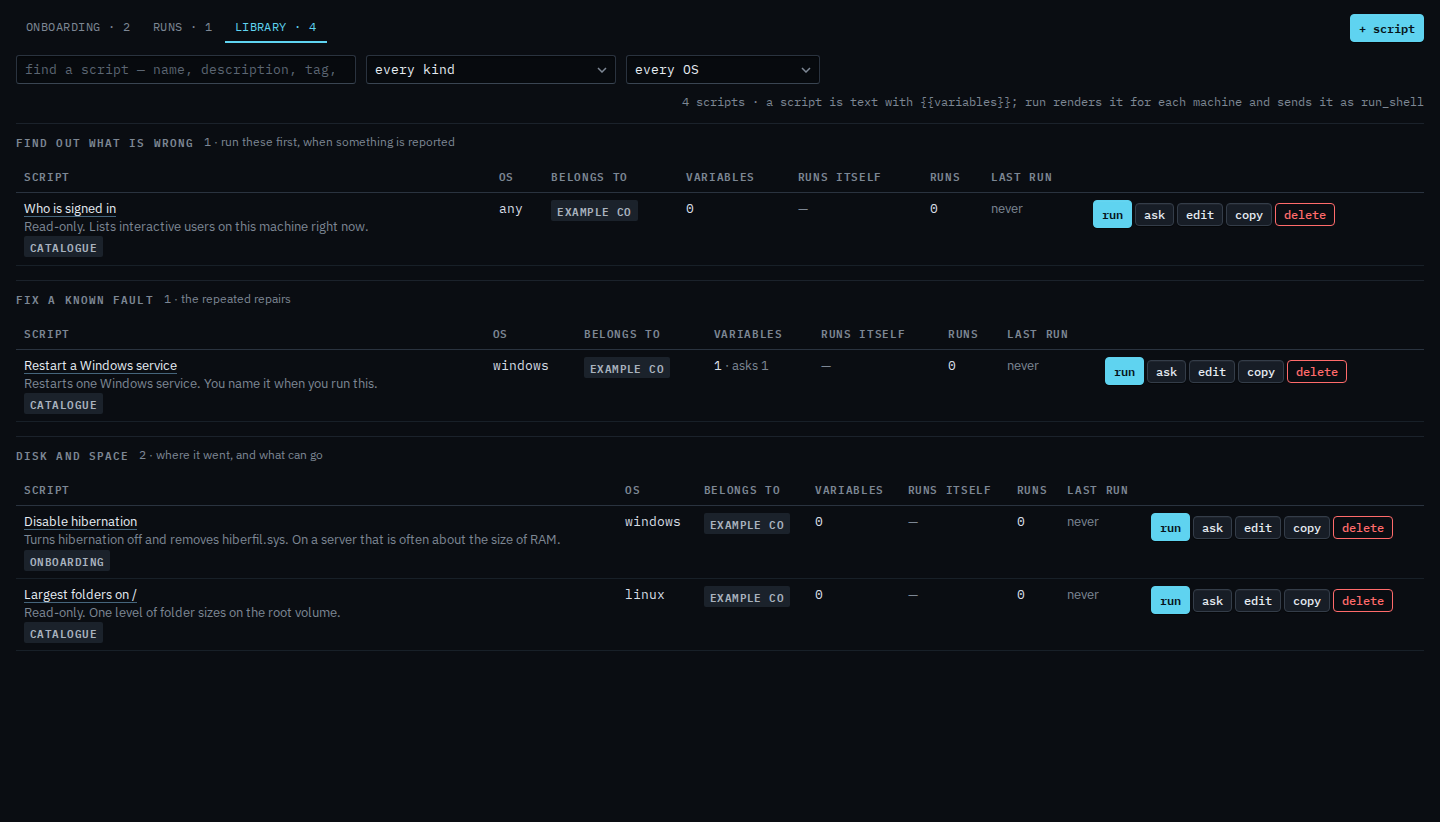
Press delete, then confirm
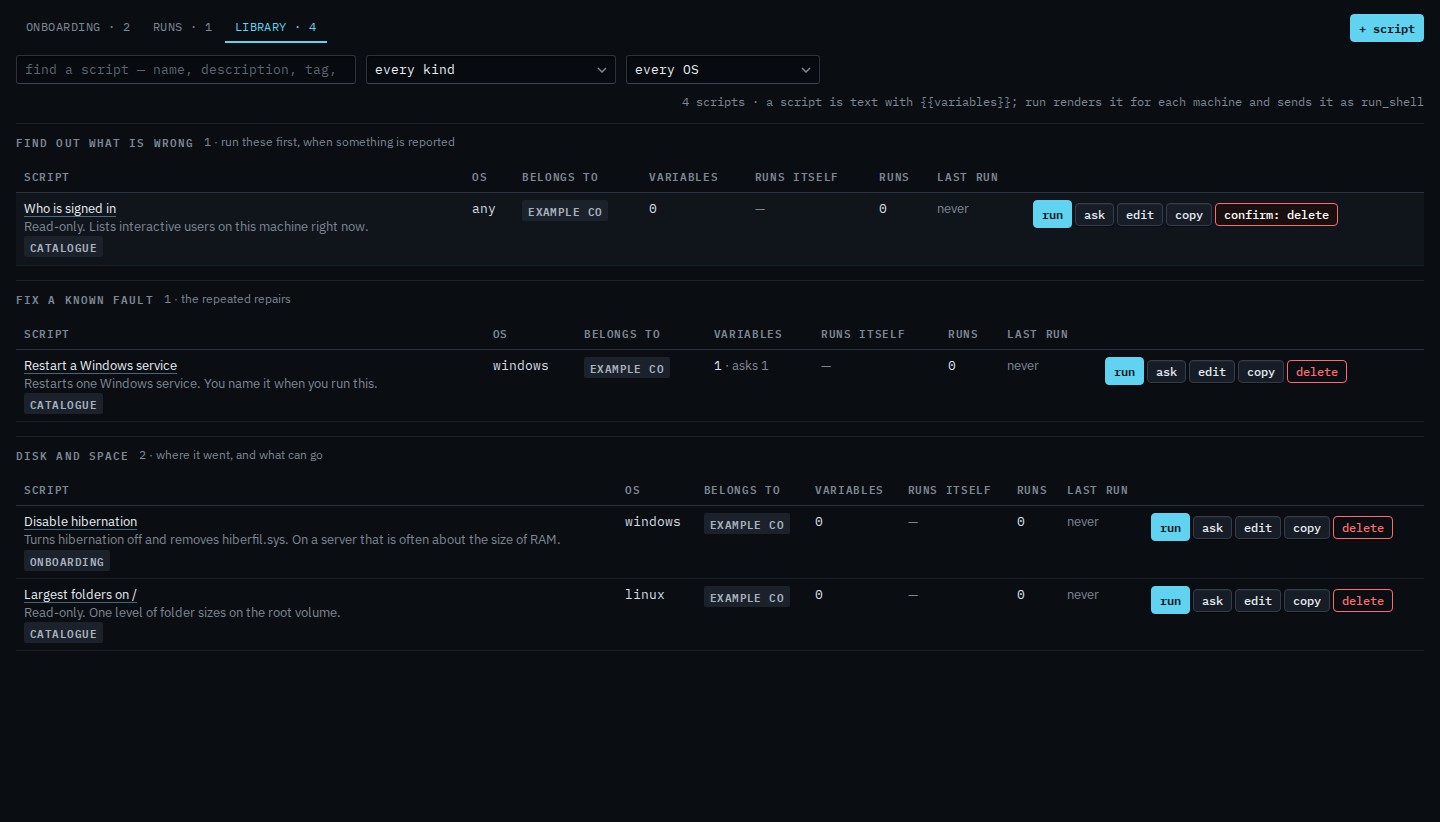
Press delete. The label turns into a confirm. Press it again to remove the script from the library. This shot stops on the confirm, so Who is signed in is still there. After the second press the row is gone. Runs already listed on the runs tab stay.
Stopping a run that is still going is Stop a script that is still running. Writing a replacement is Add a script to the library. A copy you have not saved yet is Copy a script — cancel drops that, and the original stays.