See who opened this machine.
You do not have to leave the machine and remember to filter. This tab is the durable audit, already limited to the machine you have open.
Open History › audit
Open the machine, then history › audit. Newest first. The line from opening it is machine_opened, with your name and the tab you landed on. Kind, a search over actor and summary, and how many recent records to load sit on the bar. Open in Audit is the same filter on the company-wide page, Search the audit trail. Click a row for the full record. A proxied device shows calls that went through its proxy when they name that device.
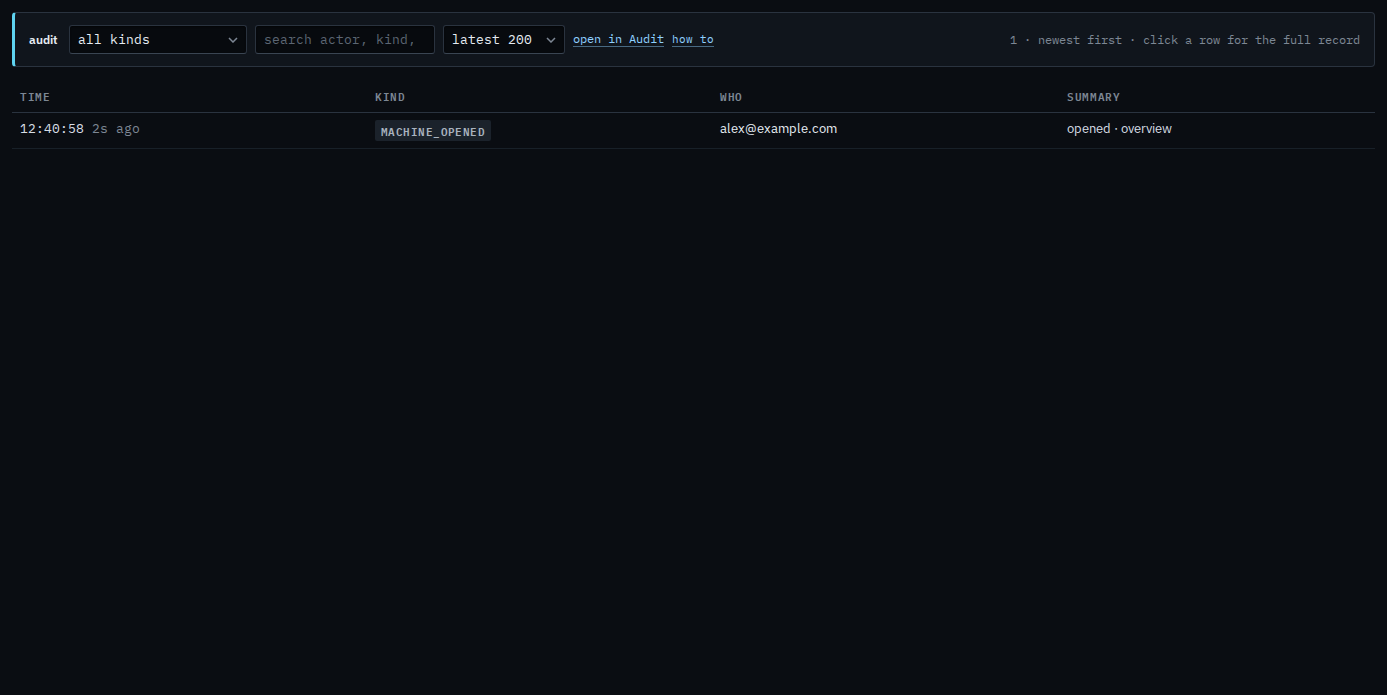
Filter to one kind
The kind menu is the records that matter on a machine: a tool call and its result, online and offline, an approval, a script, a file browse or delete, a control session, an alert decision, a tag or BE AI change, a run. machine_opened is who looked. machine_closed is how long they stayed, written when they leave. File contents are not in any of these lines.
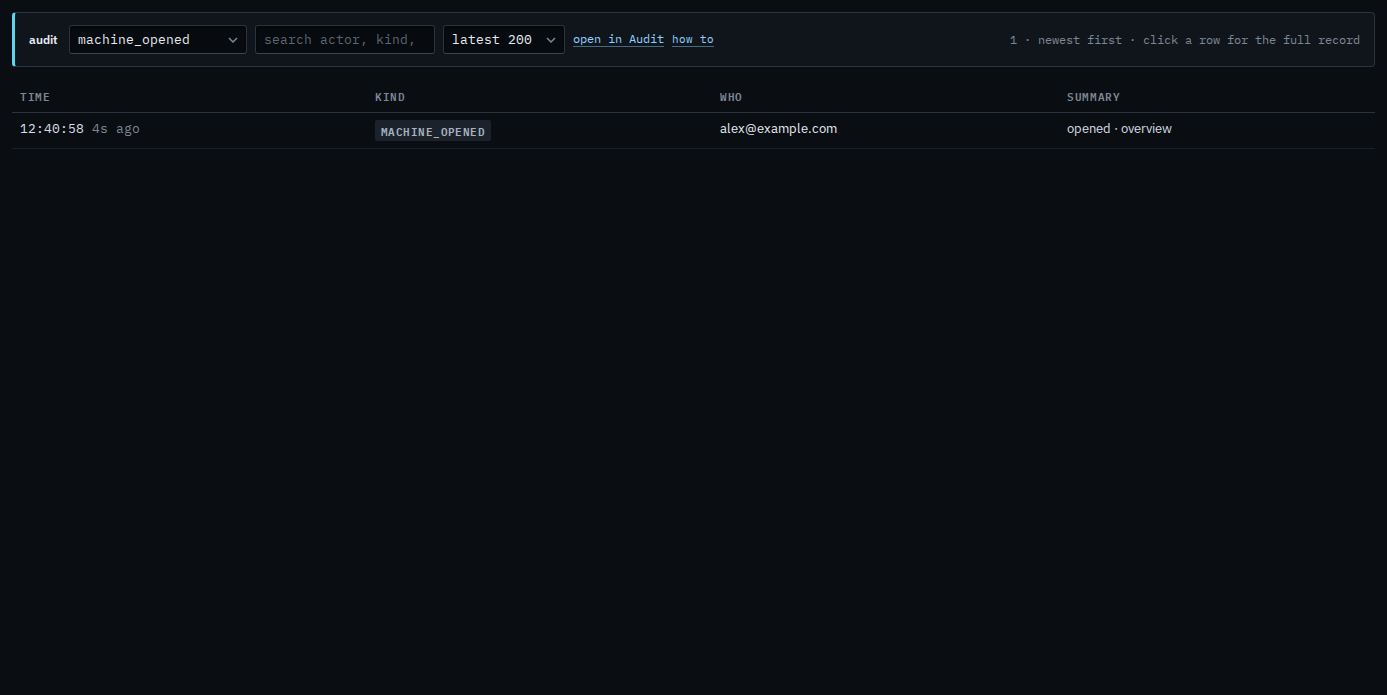
The search box on this same bar is Search one machine's audit lines. Open in Audit jumps to the company-wide trail with this machine already chosen. That page is Search the audit trail.