Show one person's audit lines.
Audit. All users is the default. The menu is you, and the other people in the company.
Open Audit after a visit
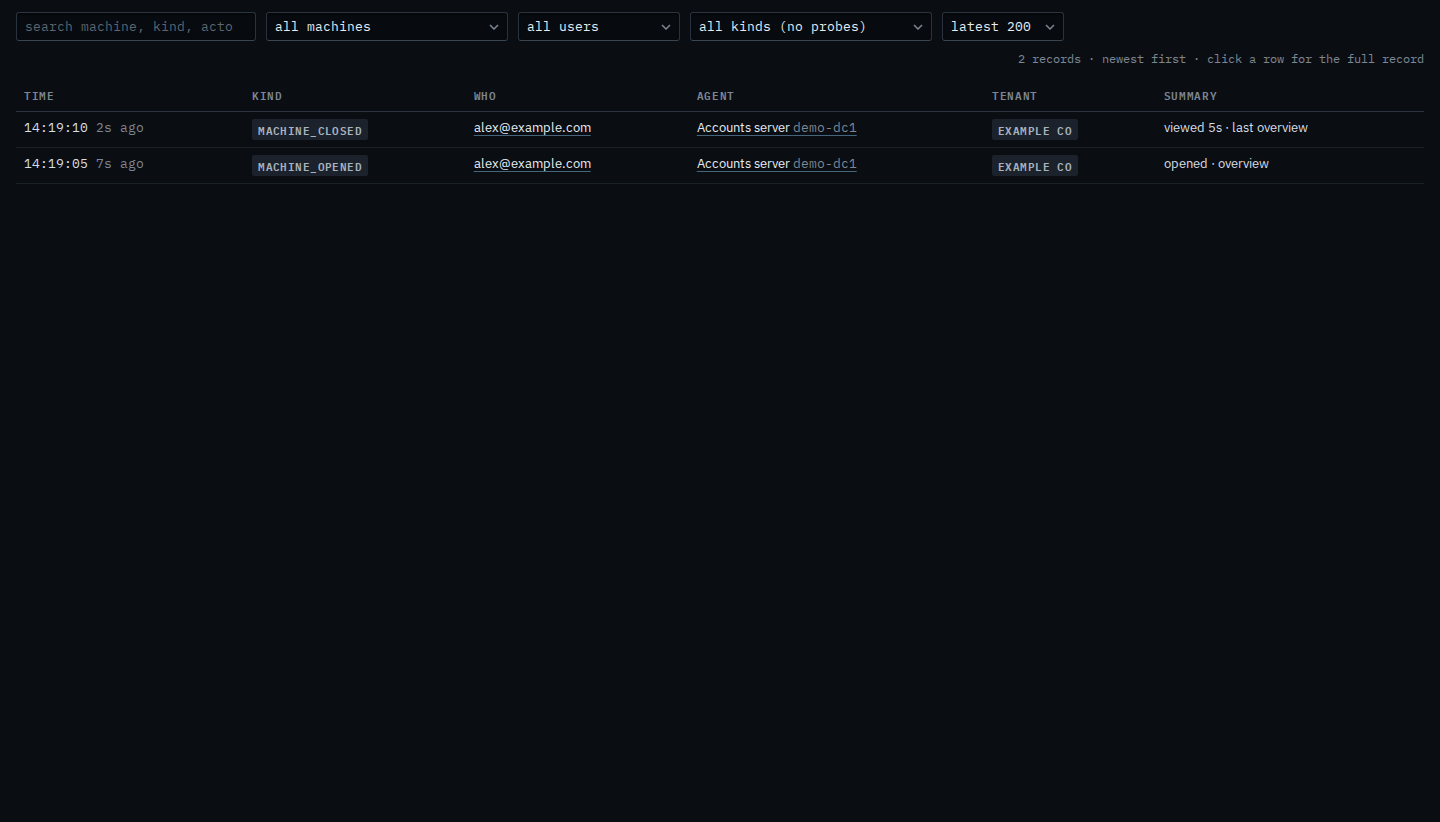
Open Accounts server, then leave it. The user menu says all users. Two lines are from that visit: machine_opened (opened · overview) and machine_closed (viewed, with how long). Both name Alex and Accounts server. The menu reloads the list. It does not remove the lines.
Pick a person who did not do it
Set the user menu to Pat. The list reloads from the hub for that person only. Those two lines drop out, because Alex opened the machine. The page says no records for these filters. The visit is still stored. Set the menu back to all users and both lines return.

One machine is Limit the audit trail to one machine. One kind of line is Show when someone opened a machine. A word in the line is Find an audit line by a word. The whole page is Search the audit trail.