Show scripts for one operating system.
Scripts › library. Every OS is the default. Windows (PowerShell) keeps Windows scripts and the ones that run anywhere.
Open Scripts › library
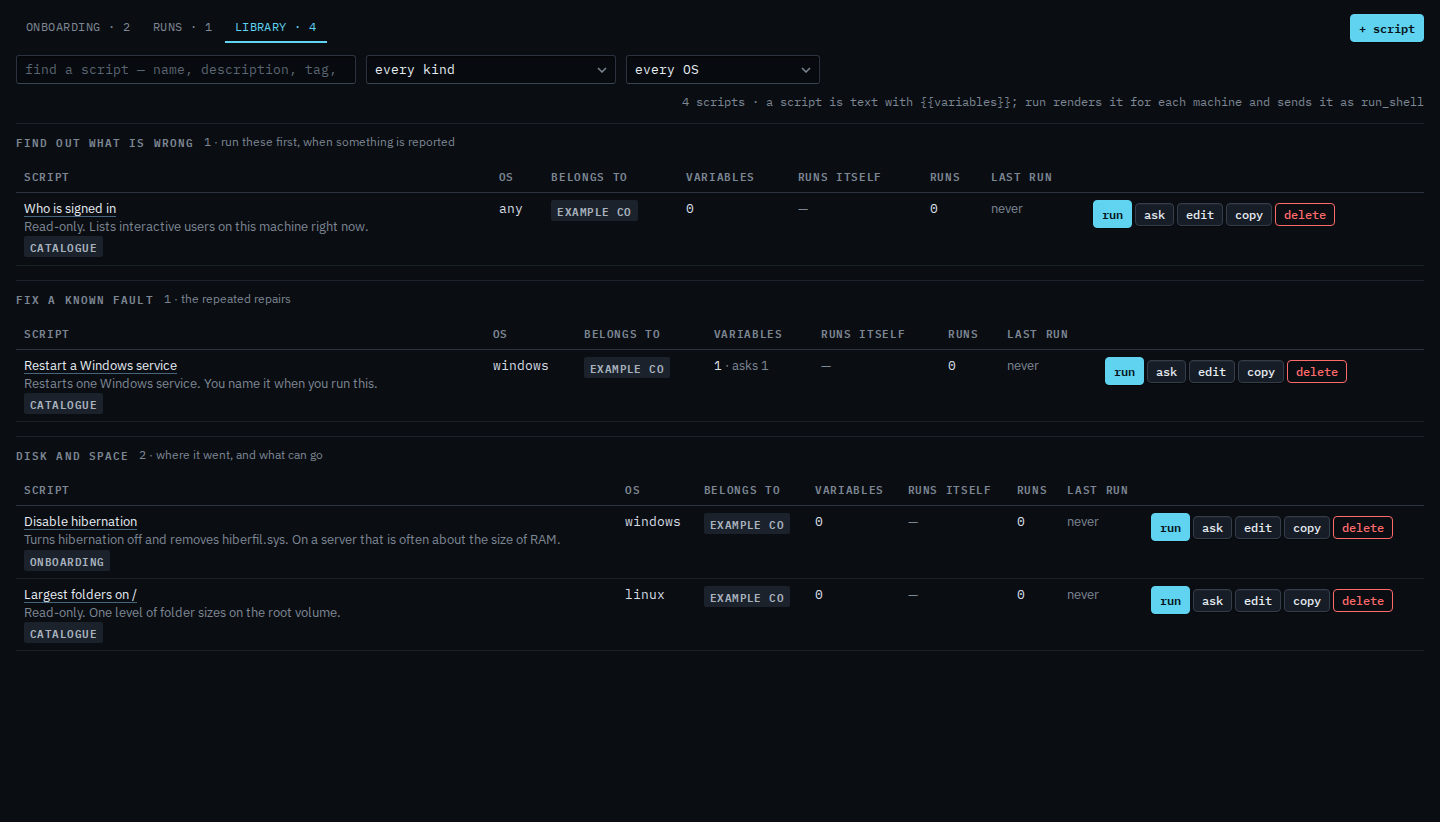
The operating-system menu says every OS. Example Co has four: Who is signed in (any OS), Restart a Windows service and Disable hibernation (Windows), and Largest folders on / (Linux). The count on the bar is all four.
Keep Windows
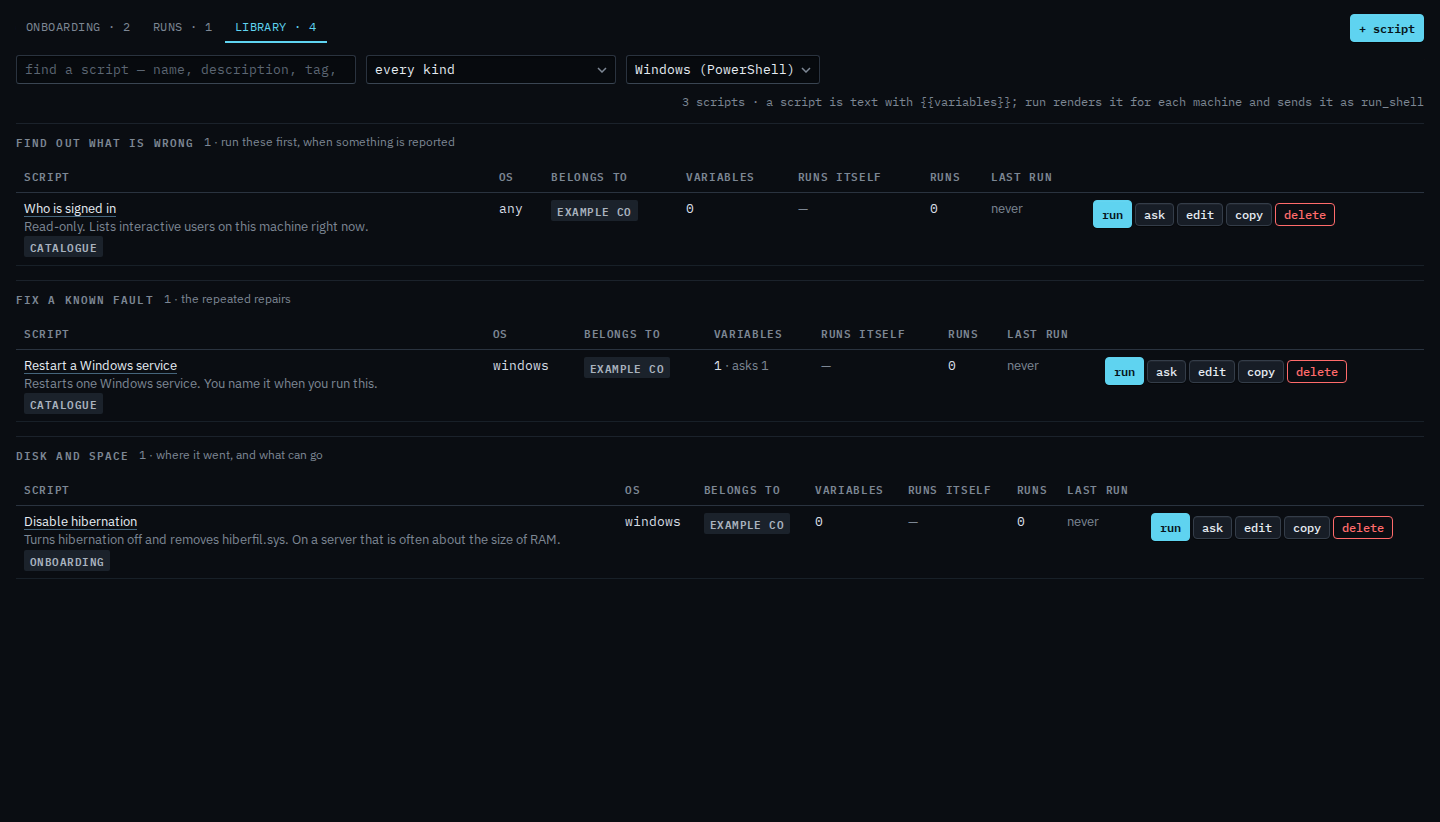
Set the menu to Windows (PowerShell). Largest folders on / drops out, because that body is Linux (sh). Who is signed in stays: a script marked any OS is still offered when you filter. Restart a Windows service and Disable hibernation stay. The count says 3. Set the menu back to every OS to see the Linux script again. Linux (sh) and macOS (sh) are the other choices.
The kind menu, such as Disk and space, is Find a script by what it is for. Running one is Run a saved script.