Rotate the install link.
My company, the enrollment box. Company admin. Use it when the link has been forwarded further than you meant.
Open the enrollment box
Open My company. The enrollment box is the install link for this company. Anyone holding it can enrol a machine into Example Co. Rotate install link is under the URL. The note beside it is the whole effect: the old link stops working, and enrolled machines are unaffected.
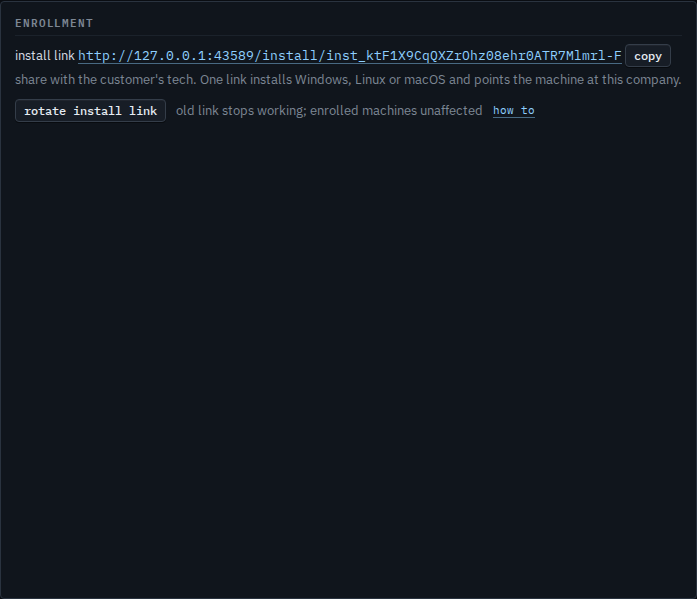
Press once to arm, again to replace the link
The first press turns the button into confirm: new install link. The second press issues a new URL and the old one stops installing. This shot is the armed button, so Example Co still has the same link. Copy the new URL after the second press and send that one. Machines already in the fleet do not need it.
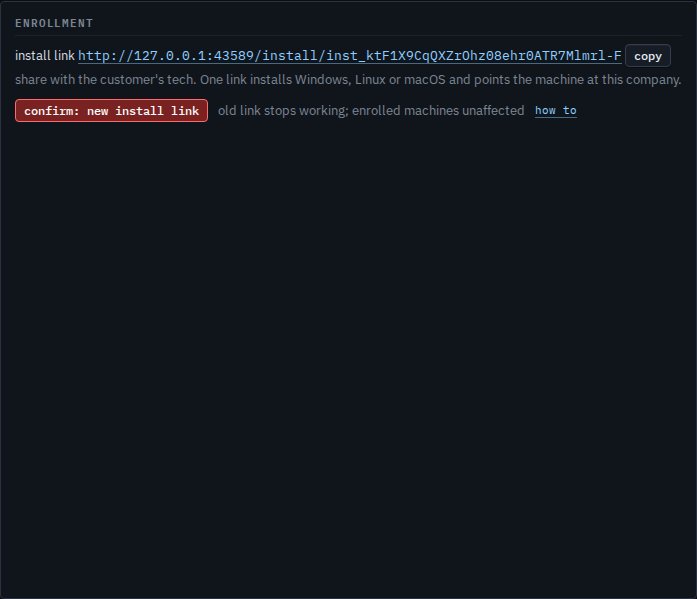
Hand the new link only to people who should enrol a machine. A customer's own link is Give a customer their own install link. You replace that URL from their manage dialog — Rotate a customer's install link. They cannot rotate it. Re-pointing a machine that is already installed is Re-point a machine that is already installed.