Your account, timezone and sessions.
Settings is you. Company notes and the install link live under My company. Users is the table under your account if you manage people.
Open Settings
Timezone is remembered in this browser and BE AI uses it in answers. Change your password is on the account card. Set up an authenticator app from here. After it is on, the same card can disable it or print new backup codes. Those codes and the QR stay on this screen. Signing one browser out is Sign out one browser, on the users table. Sign out of this one is Sign out of this browser, on the account card and in the header. A company admin requiring an authenticator of someone else is Require an authenticator for a person.
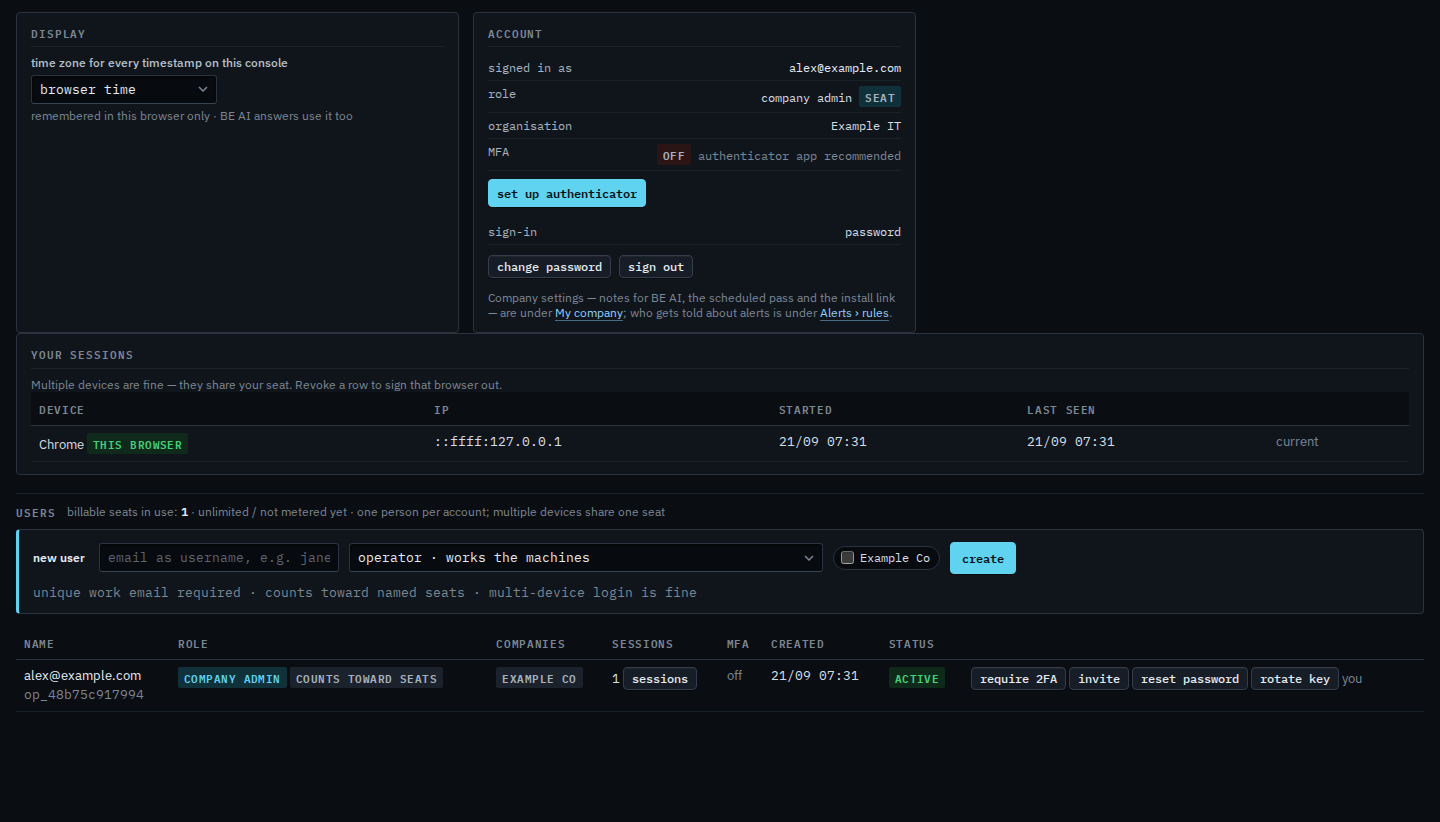
Changing the zone, so every clock on this console moves, is Show times in another timezone. The nightly pass keeps its own zone. A sub-company user's page, with no users table, is Your own settings.