Change your password.
This is your own password. A company admin issuing one for someone else is a different button, on their row.
Open Settings, then account
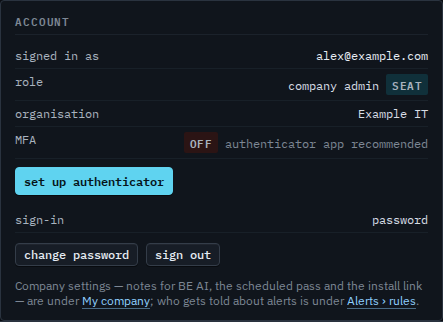
The account card is you: the name, the role, whether an authenticator is on, and how you sign in. Change password is on that card. An account with no password yet, because it signed in with Google or Microsoft, says set a password instead. Your account, timezone and sessions is the rest of this page.
Type the current one, then the new one twice
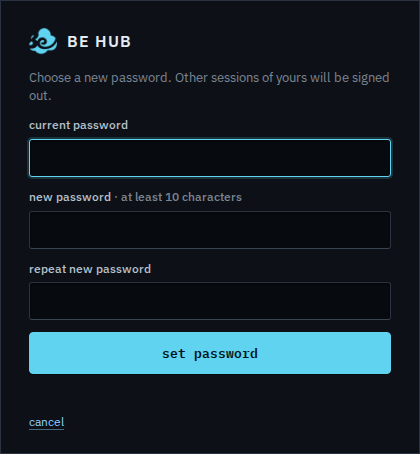
Current password, then the new one twice. Set password saves it. Other browsers where you are signed in are signed out. This one stays. Cancel returns to the console without changing anything. This shot stops before set password, so the password is unchanged.
Someone else who forgot theirs is Issue a temporary password. Signing one browser out without changing the password is Sign out one browser.