Show approvals filed in the last day.
Reports › Approvals aging. The period menu is on the bar. Everything waiting is the start.
Start on everything waiting
Open Approvals aging. The menu says everything waiting. Example Co has one proposed action: list the largest folders on the root volume, on Accounts server. It was filed on 21 September with the disk investigation, so the age reads 5 days. Failed and finished actions are not on this page. Nothing is running. Approve or reject a proposal is where that action runs.
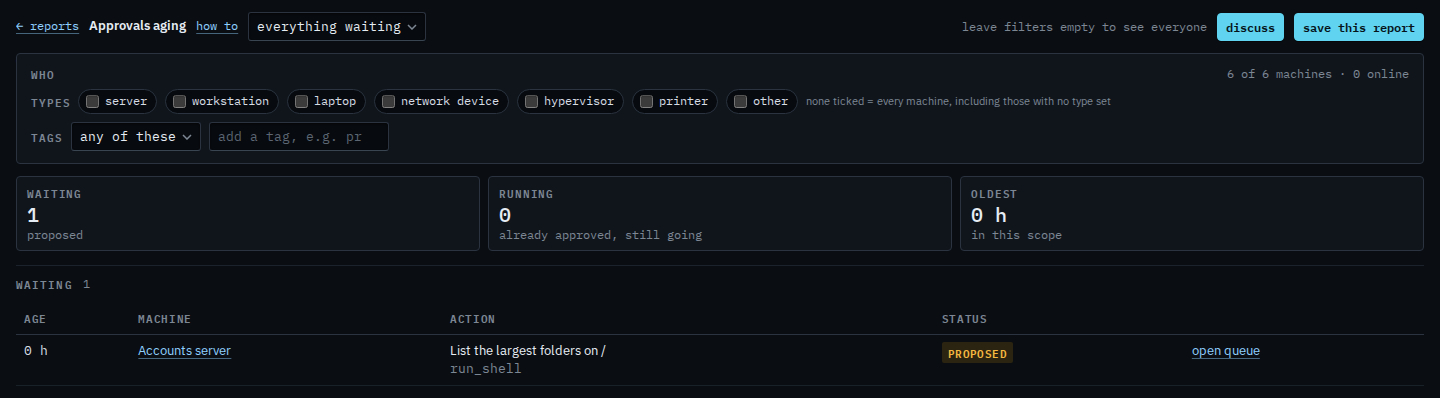
Set the window to the last 24 hours
Set the menu to last 24 h. The waiting tile goes to 0 and the table is empty, because 21 September is older than a day. The proposal is still stored and still waiting. Last 7 days still includes that date while today is 26 September. Last month and last quarter are wider. Set the menu back to everything waiting and the row returns. This does not approve or reject anything.
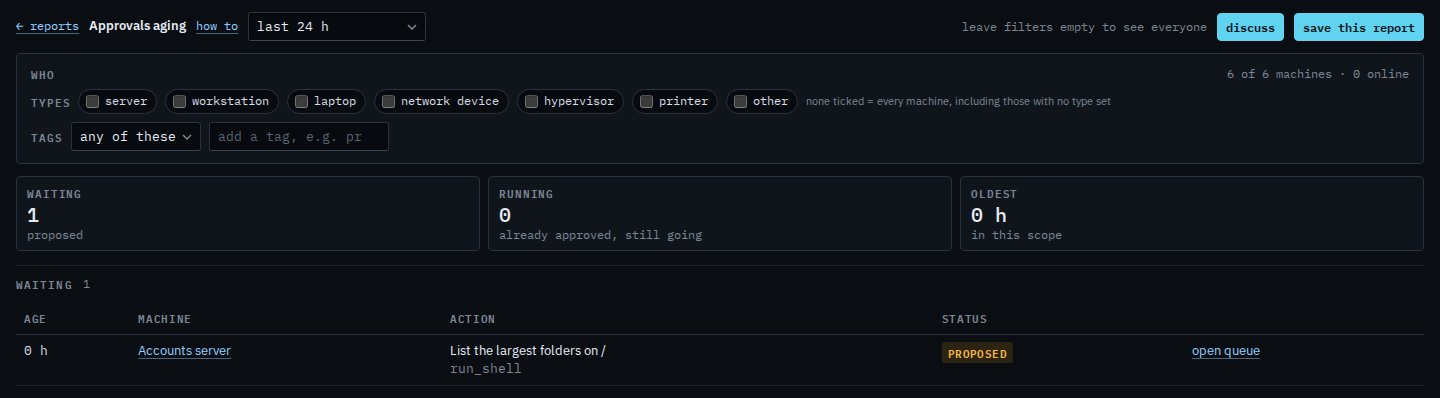
The same page with the menu left on everything waiting is See how long an approval has waited. Approving it is Approve or reject a proposal. The alert journal has the same kind of menu for alerts — See alerts that already cleared.