Empty temp files when a disk fills.
This is not a script and it is not a full disk clean. The only folders it can empty are OS temp directories, and only files older than a day, and only when the score says the disk needs it.
Open Work › actions, then BE AI
The switch is labelled when this disk fills, inside BE AI on this machine. It starts at off. Nothing is deleted while it is off, including the button on the storage tab.
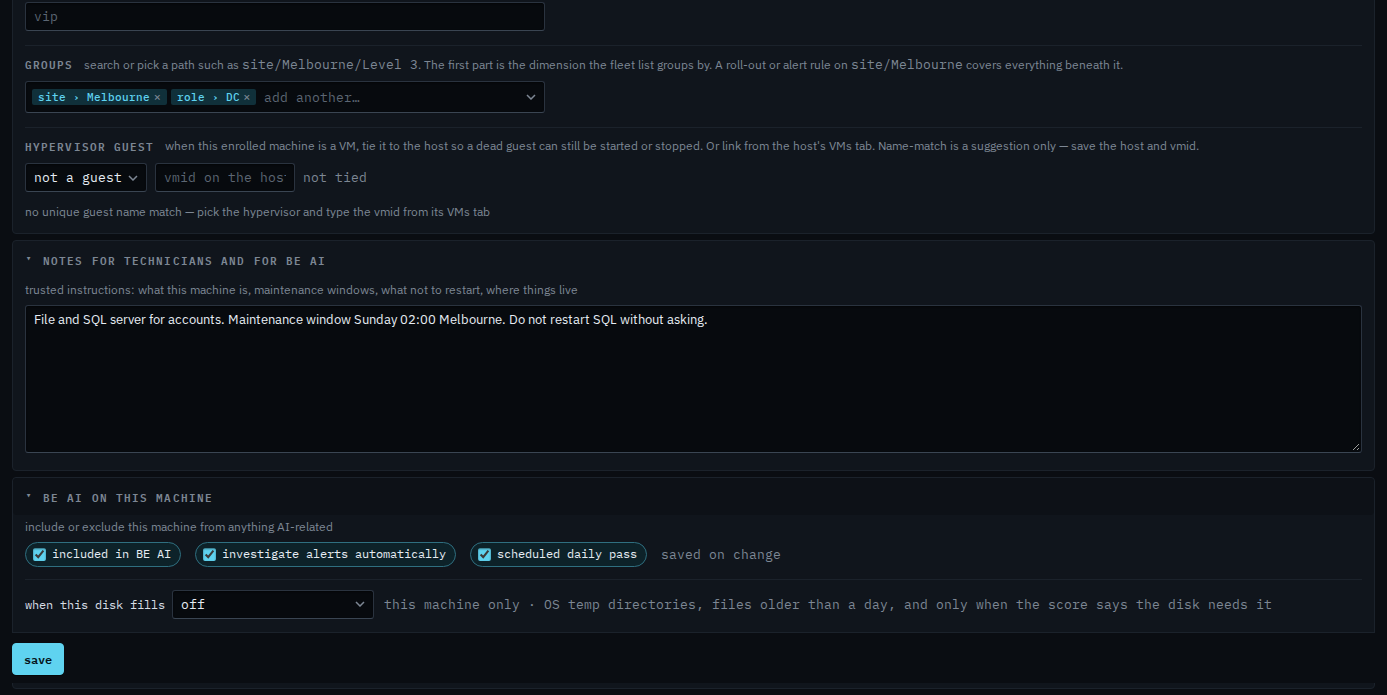
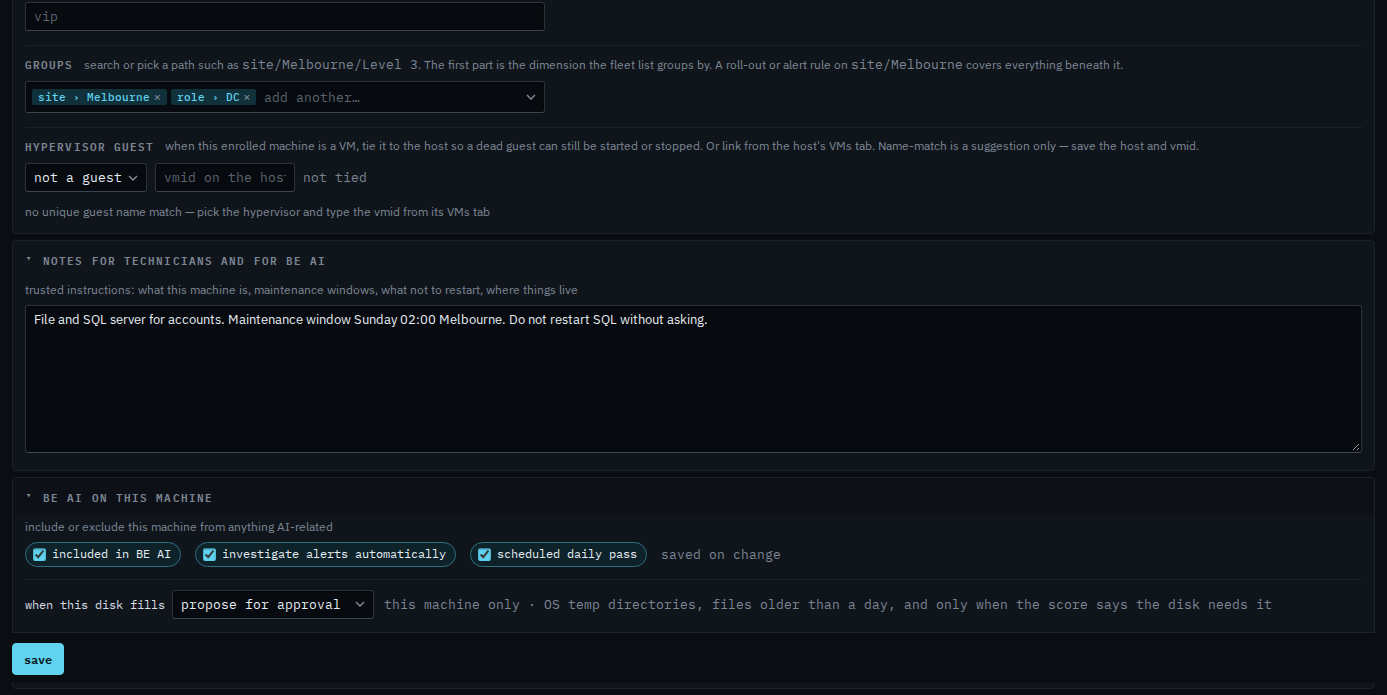
Choose propose, or delete when confident
Propose for approval queues a proposal to empty temp when the disk is under pressure and the score is sure. Delete when confident does that empty itself and records a temp cleanup event. Either way it still refuses when the score is low. It never touches Downloads, logs, or anything outside OS temp.
The same switch is on Health › storage, above the scan. The scan itself runs on the machine, so it needs the agent online. Proxied devices do not have this switch.