See which scripts this machine needs.
Suggested here is not a ranking of the library. Each row has a reason taken from an open alert or the disk. Nothing runs until you press run.
Open Work › scripts
Open the machine, then work › scripts. Suggested here is the short list. On Accounts server the disk is at 92% and there is an open disk alert, so the reason is that disk, and the script is Largest folders on / — a read-only look at what is holding the volume. Run here is grey because this demo machine is offline. The table underneath is every script that fits this machine: its own, the company's, and shared. Run a saved script is the library. Choose scripts for a new machine is the prompt that waits at the top when a rule matches.
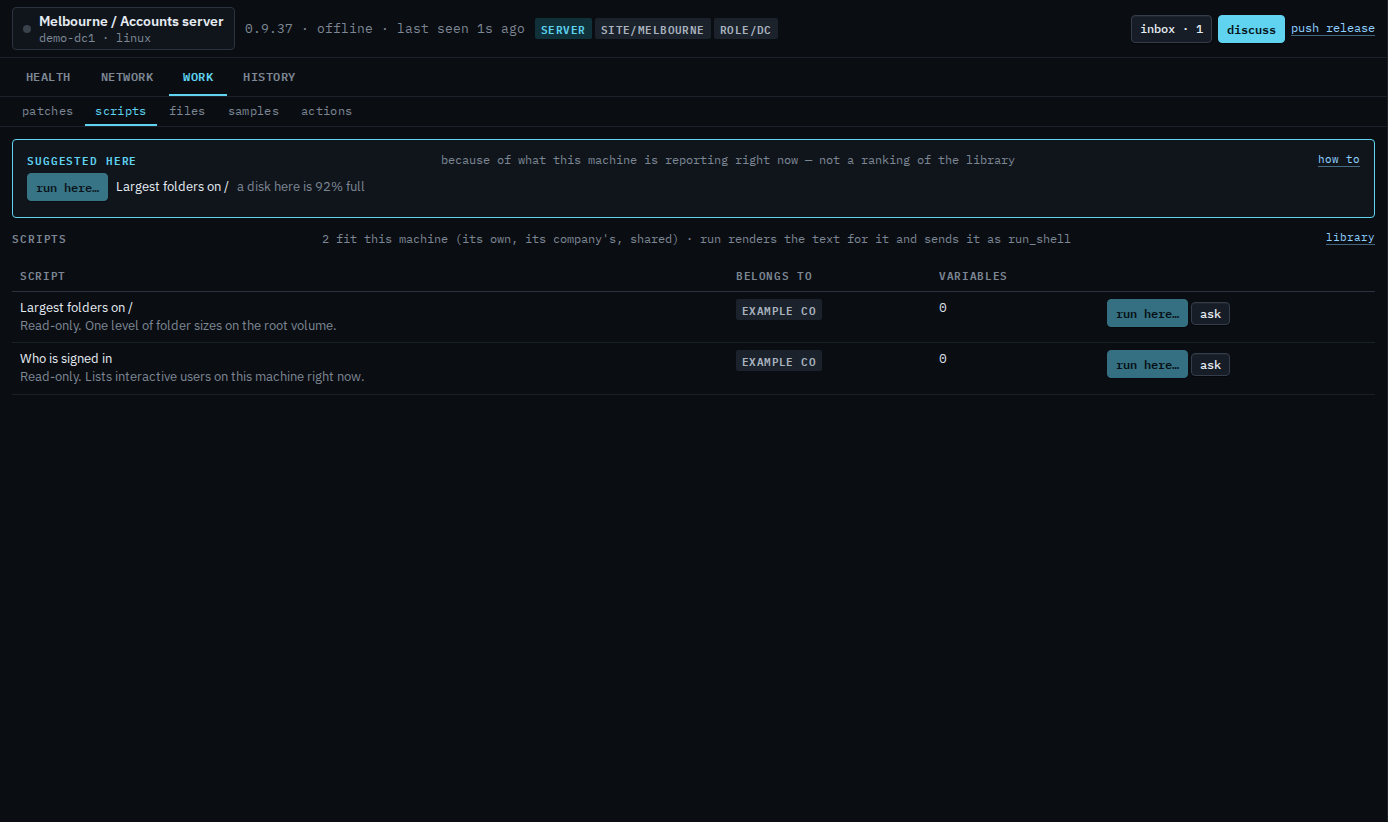
Run here opens the same run panel as the library, with this machine already ticked. Ask fills a question about that script; send is still yours. The button stays grey while the machine is offline.