Push an agent update.
Updates is how a machine moves to a newer agent. You choose a signed version. The hub never sends an unsigned binary.
Open Updates and choose who
The version menu is every signed release this hub is serving. When none is published, the menu only offers clear — on a hub that has releases, they are listed there. To is ticked rows, every machine in view, one company, or a group and everything under it. Push asks you to confirm. Each online machine then fetches that release, checks the signature, and restarts onto the new binary. A row's own button does one machine. Offline says set: the target is stored and applied at the next hello.
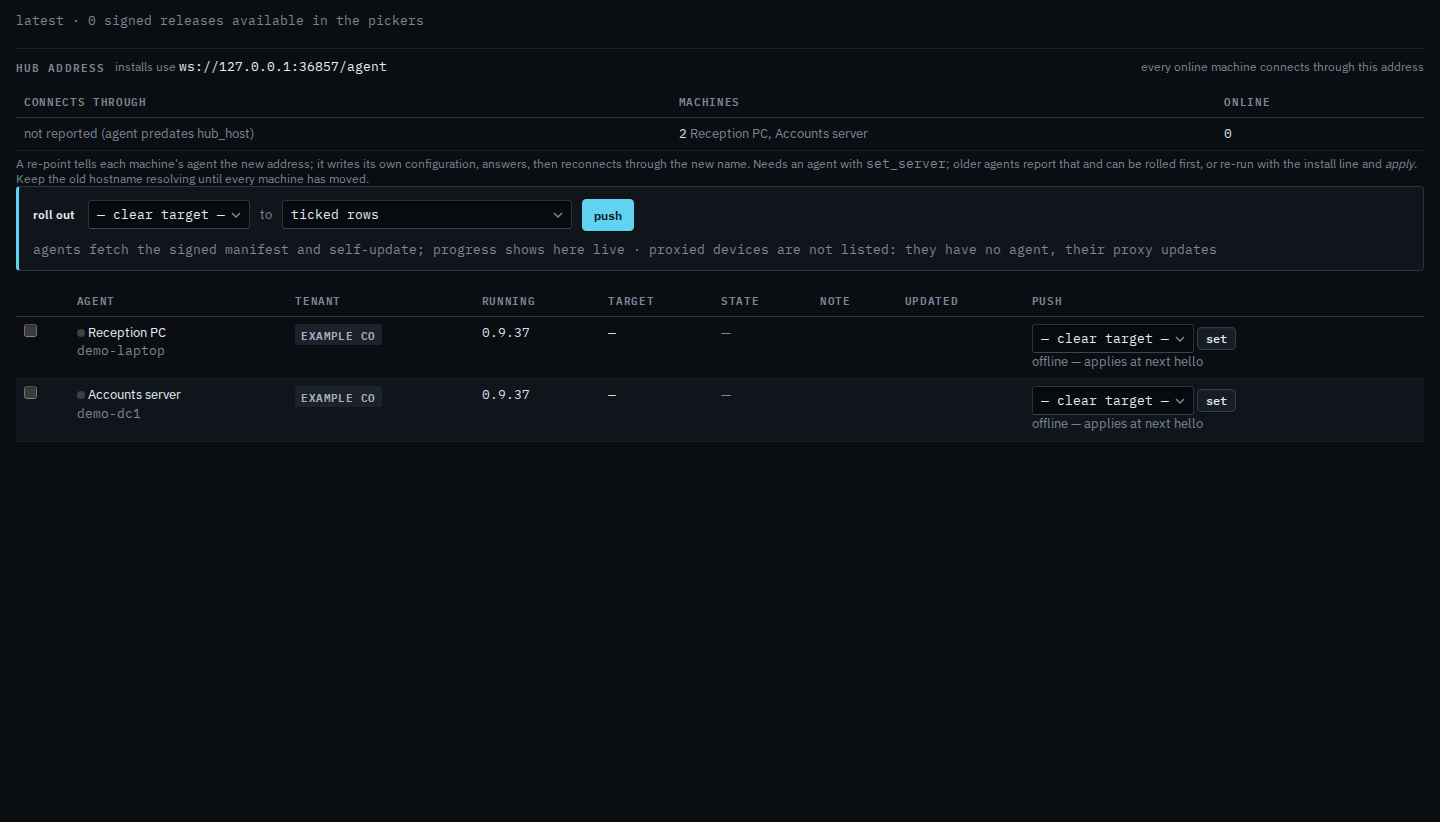
Hub address, above the roll-out bar, is for company admins. See which address a machine connects through is that panel: the name each machine last reported, and re-point for online machines still on an old name.