Limit a report to machines of type other.
Every live report has the same who box. Other is the last type tick. Empty still means every type, including one that has not been set.
Open the morning brief with every type
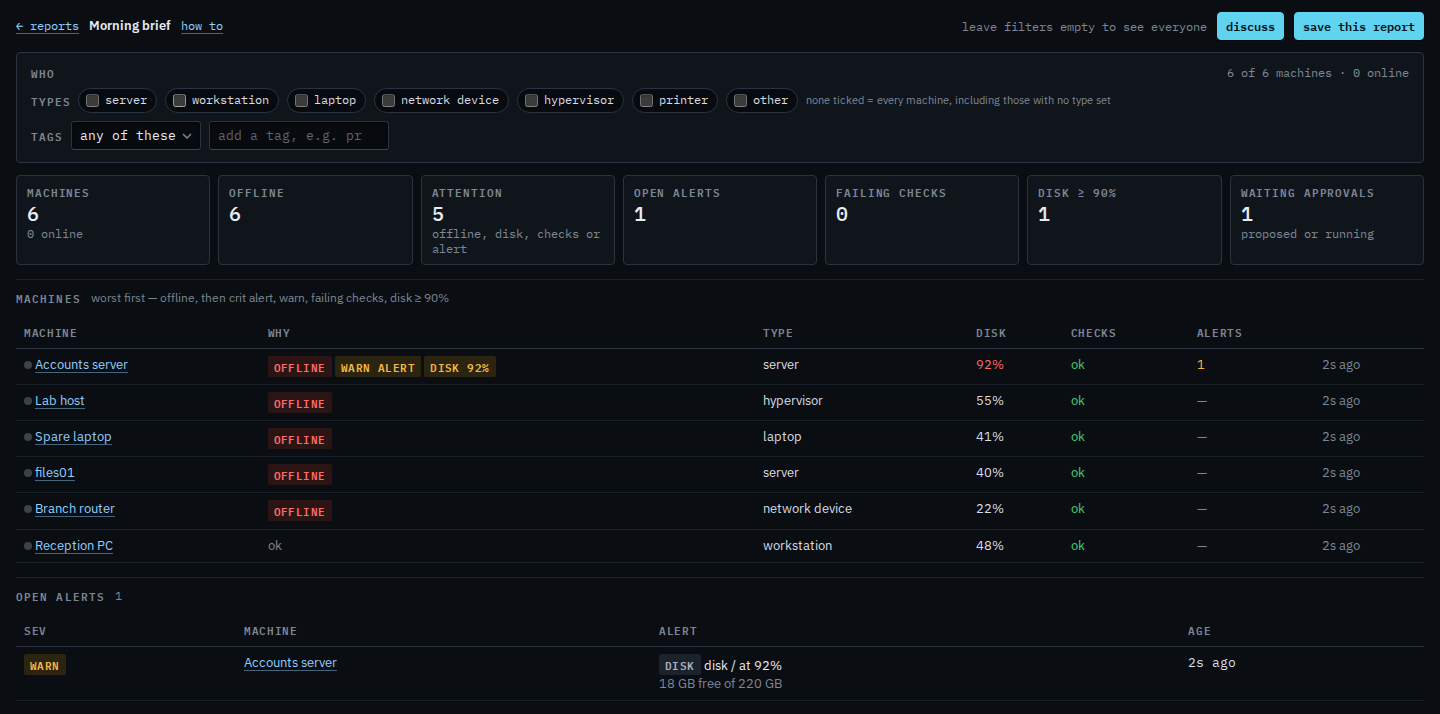
Open Morning brief. Under who, no type is ticked. The line says 6 of 6 machines. Other is the last tick in that row, after printer. Limit a report to printers is the printer tick. None ticked still includes a machine with no type set.
Tick other
Tick other. The who line says 0 of 6 machines, and 0 online. The page says none of the 6 are type other. Accounts server and files01 are servers, Reception PC is a workstation, Spare laptop is a laptop, Branch router is a network device, and Lab host is a hypervisor. Set a machine's type to other on its Actions tab when none of those fit. Clear filters appears once a type is ticked. This guide presses it at the end, so the next report is the whole company again.

A printer, including when none are enrolled, is Limit a report to printers. Hypervisors are Limit a report to hypervisors. The morning list itself is Read the morning brief. An alert rule limited the same way is Limit an alert rule to type other. The type on the machine is Change what kind of machine this is.