Delete a saved report.
A saved report is a name on a template and its filters. Delete removes that name. It does not touch the machines, and the live template is still on the menu.
Save it, then delete is on the bar
Name it Monday morning and press save. The bar title becomes that name, with a Morning brief chip. Update saved and delete replace save this report. The who box is unchanged: no type or tag, so it is still the whole company. Going back to Reports lists Monday morning under saved. This shot is still on the report, before delete.
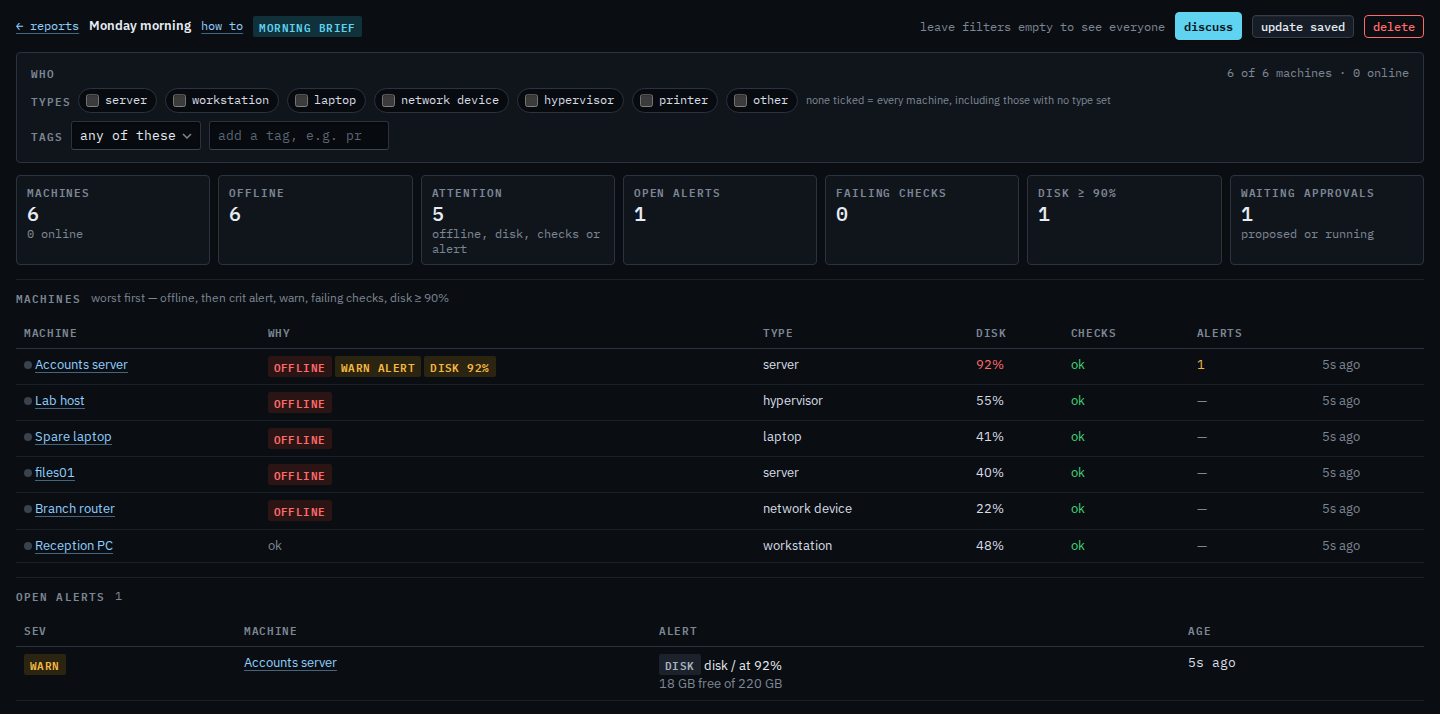
Press delete, then confirm
Press delete. The label turns into confirm: delete. Press it again to take Monday morning off the menu. This shot stops on the confirm, so the saved report is still there. After the second press you land on the Reports menu and the live Morning brief template is still listed.
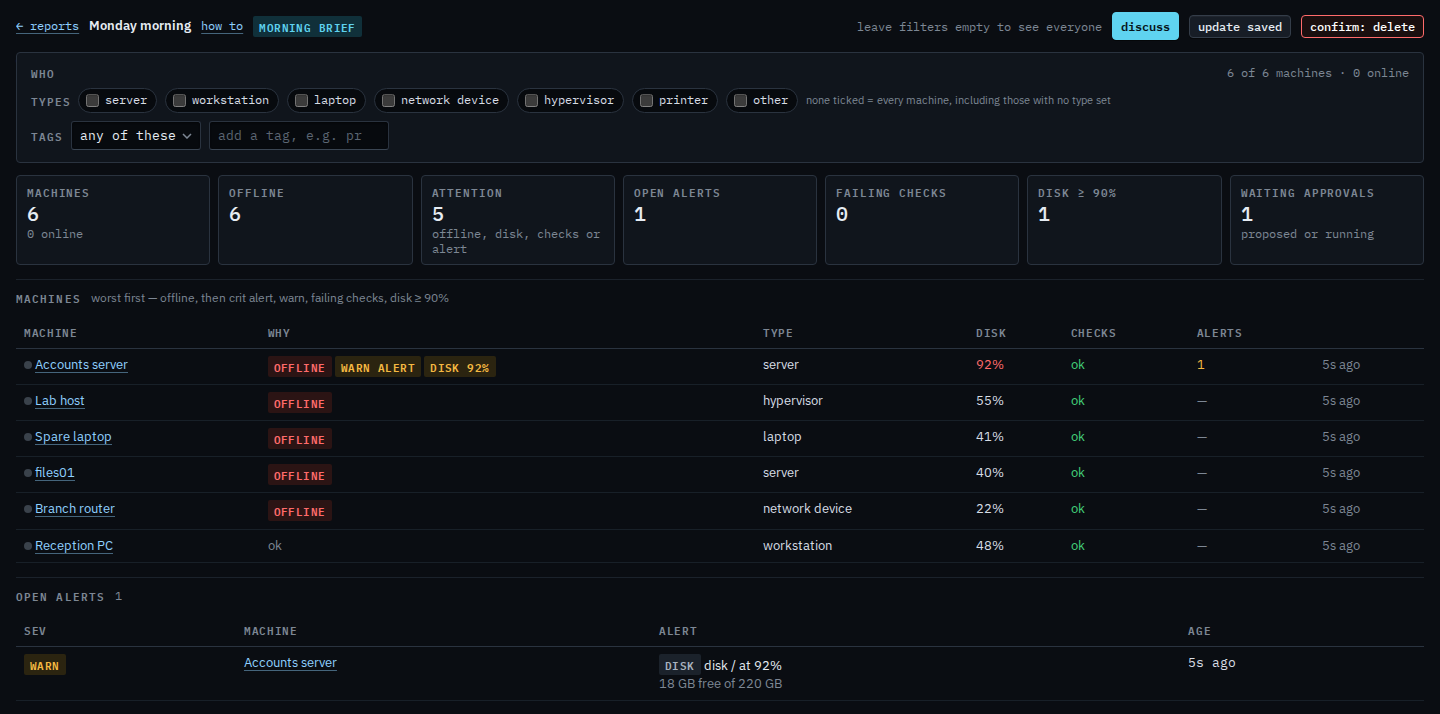
Saving the name in the first place is Save a report you will open again. The morning brief itself is Read the morning brief.