Run a script for one disk only.
Alerts › scripts. The key box is optional. It has to be the alert's own key, comma separated if you name more than one.
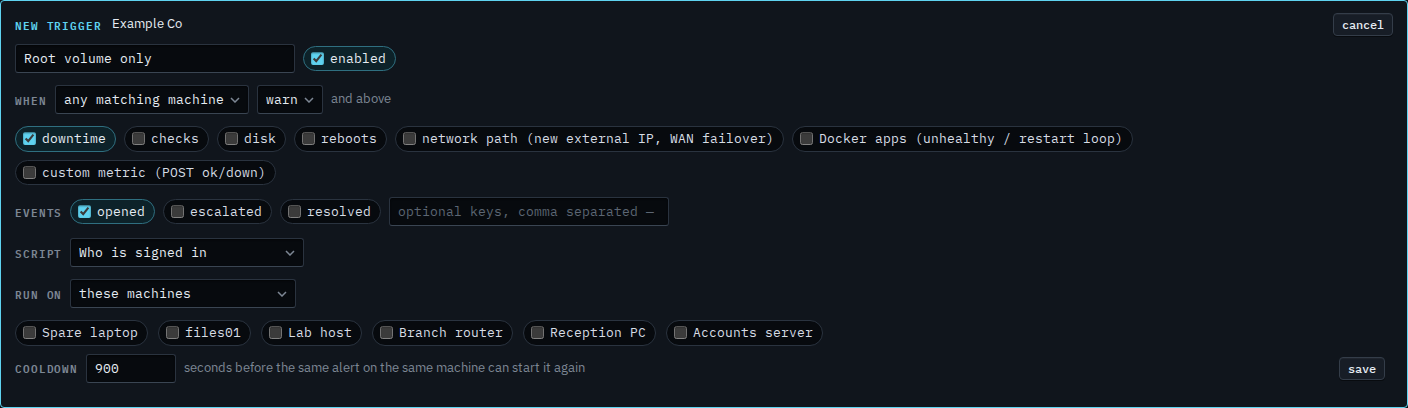
The key box starts empty
Open Alerts › scripts and press new trigger. Name it and choose Who is signed in. The key box is empty. Empty means every alert of the kinds that are ticked. Downtime is the kind that starts ticked, so a key of disk:/ on its own would still never run: the kind and the key both have to match.
Name the root volume
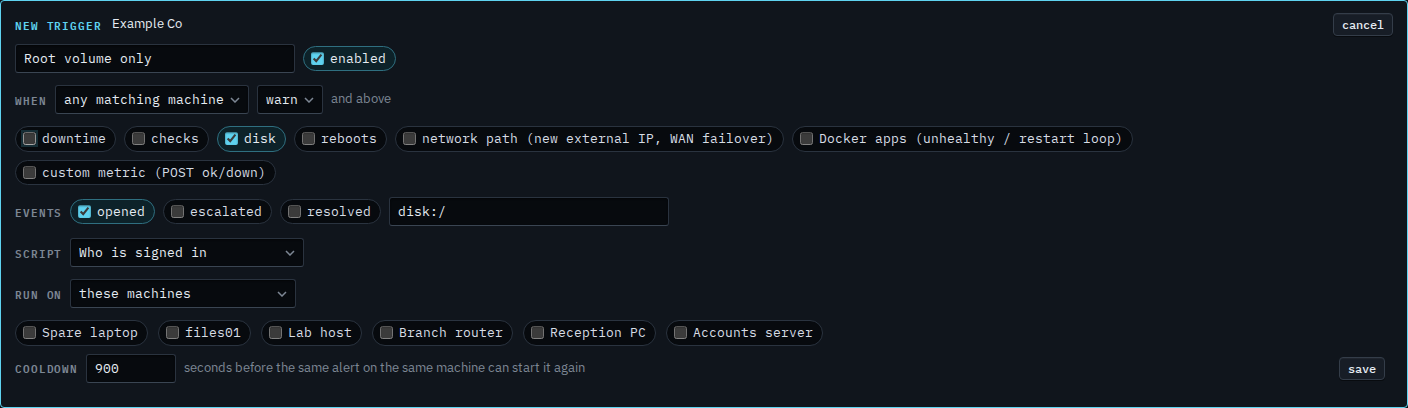
Tick disk, clear downtime, and type disk:/. That is the open disk alert on Accounts server. Another volume stays quiet. The placeholder shows disk:C: for a Windows drive. Several keys are a comma separated list. Press save when this is the one you want. This shot stops before that. Cancel drops the draft.
Every disk, with the key left empty, is Run a script only when a disk fills. The open alert on Accounts server is the same key. Accepting it is Accept a disk that is supposed to be full.