Remove a machine from the fleet.
Work › actions, the last panel. It is a confirm tap. Runs, proposals, threads and the audit trail stay.
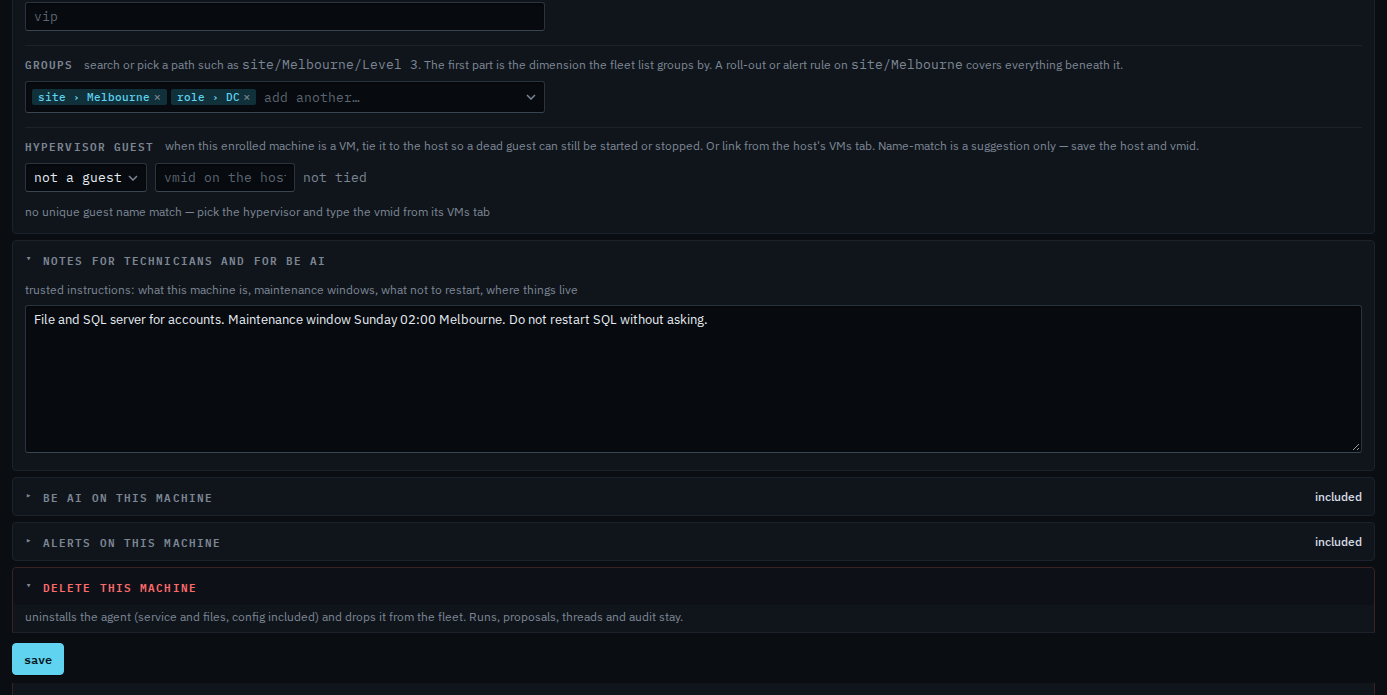
Open Work › actions, then delete this machine
The panel is closed until you open it. This machine is offline, so the button is decommission at next contact. Press it, then press it again to confirm. The header shows decommissioning until the machine calls home, and cancel is there if you change your mind. When the machine is online the same button reads uninstall and delete: the agent removes its service and its own files, then drops out of the fleet. Forget without uninstalling is the record only. This shot stops before the confirm, so Accounts server is still here.
A customer login cannot do this. A proxied device has no agent to uninstall — forgetting it drops the hub record, and it returns if the proxy still lists it. Take it off the proxy's device list too.