Read the dashboard.
Dashboard is the home view after sign-in. It is a summary, not a to-do list. Open a tile to go to the real work.
Open Dashboard
The tiles are live counts for the company in view: machines included in alerts, unmonitored devices that are on or off, things that need attention, open alerts, failing checks. A machine with alerts turned off is not counted as offline on the machines tile. Charts underneath are the last day / week / month. Disks that will be full within 90 days are See which disks are filling up. BE AI this month is the count of investigations; the seats and the split by kind are Read seats and this month's BE AI. The same numbers with the machine list are Read the morning brief. Click a tile to jump.
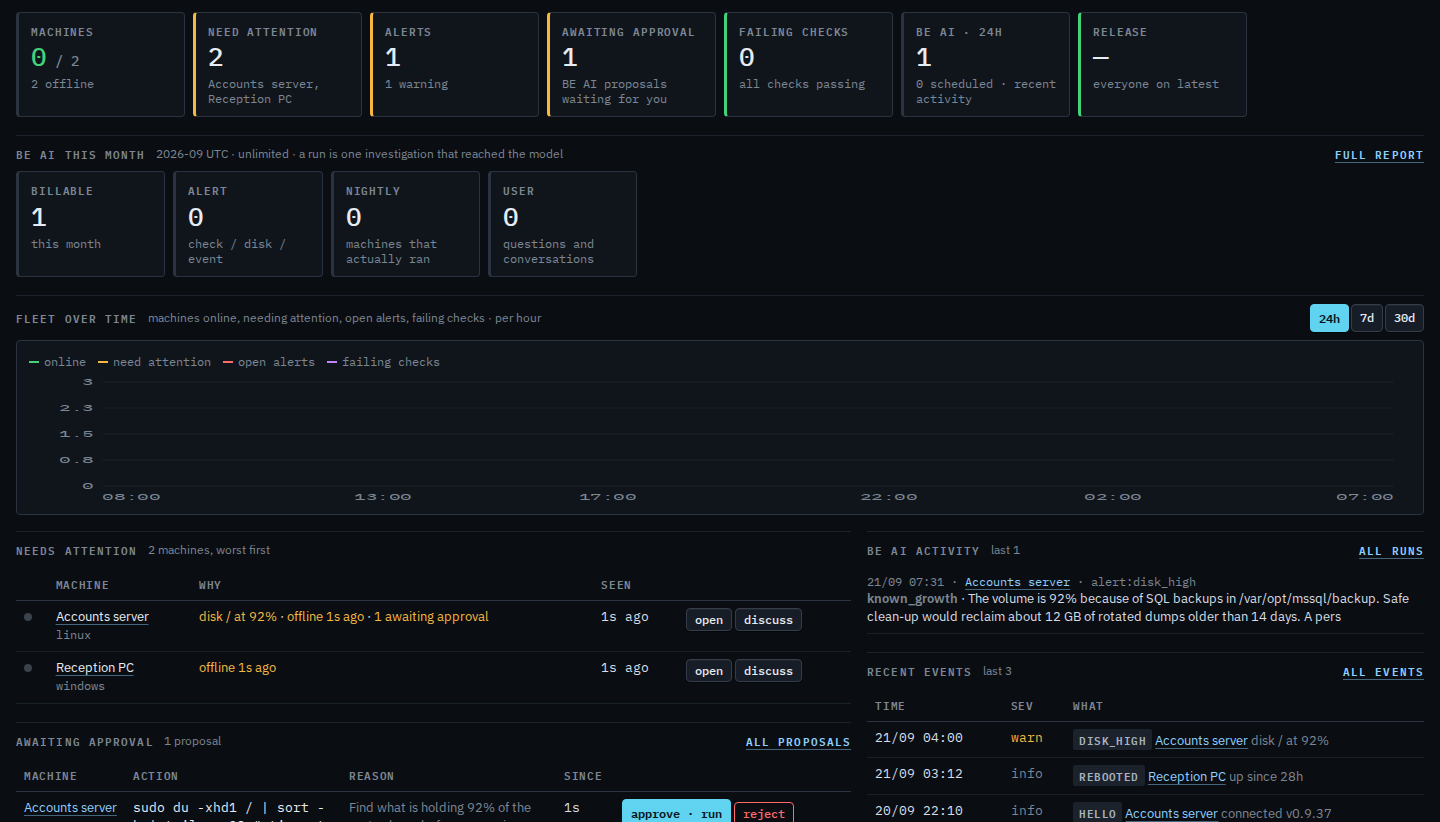
The chart under the tiles switches between a day, a week and a month in Change the dashboard chart range.